

A Beginner's Guide to Building Your Own Next.js SaaS
Anyone can build a SaaS with vibe coding, but without the right approach, you'll waste time and money. Learn the most systematic way to build your Next.js SaaS from scratch.
Anyone Can Build a SaaS, But Not Everyone Succeeds
Anyone can build the service they want with vibe coding, but without the right approach, you'll just waste time and money. The dream of launching your own SaaS is more accessible than ever, thanks to AI coding agents. But here's the problem: most beginners jump straight into coding without proper planning.
The result? Endless refactoring, confused AI agents, wasted tokens, and ultimately, abandoned projects.
In this guide, you'll learn the most systematic way to approach building a Next.js SaaS right now. Follow these five essential steps, and you'll transform your idea into a working product efficiently, without the typical pitfalls that derail beginner projects.
1. Prepare Your Tools
Before writing a single line of code, you need the right toolkit. Fortunately, building a SaaS in 2025 doesn't require a massive arsenal of tools.
What You Actually Need
Just two things:
- A Coding Agent: Claude Code or Cursor
- Vooster AI: Your AI project manager
That's it. No complex development environments, no overwhelming list of subscriptions.
Understanding the Roles
- Coding Agents Build Your Service: They write the actual code, implement features, and handle technical implementation
- Vooster Acts as Manager and Planner: It systematically analyzes your idea, creates comprehensive plans, and guides the entire development process
Think of it this way: the coding agent is your developer, and Vooster is your product manager. You need both roles to succeed, but having an AI fill these roles means you can build a professional-grade SaaS as a solo founder.
Why This Combination Works
Without a planning tool like Vooster, coding agents struggle with:
- Maintaining consistent architecture across sessions
- Understanding the full scope of your project
- Prioritizing what to build first
- Avoiding scope creep and feature bloat
Vooster solves all these problems by providing systematic planning that coding agents can execute against. This separation of concerns is the secret to efficient vibe coding.
Here's the hard truth: building a well-crafted web service is difficult. It requires an expert's perspective—considering user experience, performance optimization, security, and scalability. If you're not an expert yourself, you need the help of professional AI agents. Otherwise, your product will lack the polish that customers expect, making it hard to compete in the market. Vooster AI serves as that expert, filling the knowledge gap so you can build with confidence.
2. Detailed Planning & Documentation with Vooster AI
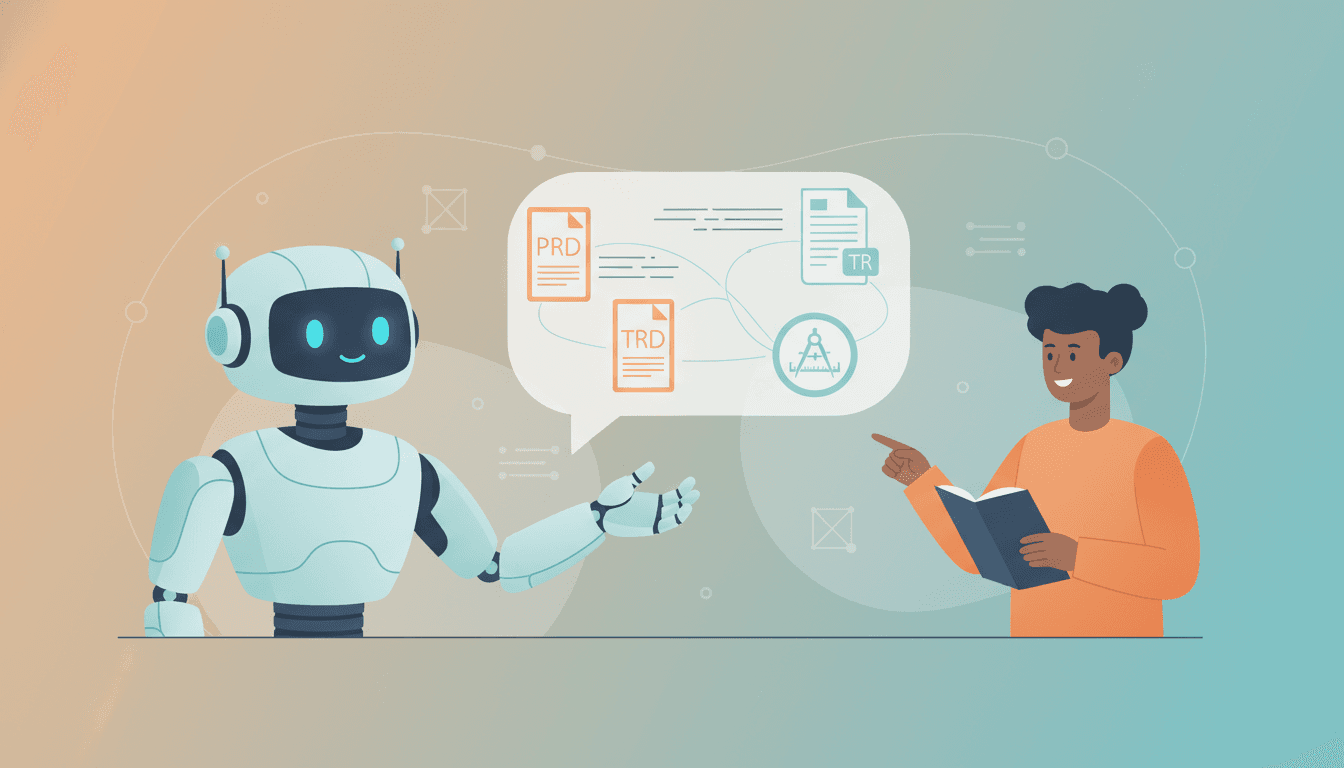
The most critical step in building your SaaS is one that most beginners skip: detailed planning. This is where Vooster AI truly shines.
The Conversational Planning Process
Vooster's AI agent acts as an experienced Product Manager, walking you through a structured conversation to define your service. You'll discuss:
- Service Name and Core Idea: What are you building?
- User Benefits: Why would someone use your product?
- Target Audience: Who exactly is this for?
- Core Features: What must it do?
- Similar Services: What already exists in the market?
- Tech Stack: What technologies will you use?
Why Specificity Matters
The more specific you are about target users and value proposition, the more accurately you can build without confusion. Vague ideas like "a productivity app" lead to vague implementations. Specific ideas like "a task manager for freelance designers that automatically tracks billable hours" create clear, actionable plans.
What Vooster Auto-Generates
After the conversation, Vooster automatically creates:
- PRD (Product Requirements Document): Detailed feature definitions and requirements
- User Journey: Visual flow of how users interact with your service
- TRD (Technical Requirements Document): Architecture and technology decisions
- ERD (Entity Relationship Diagram): Database schema design
- Design Guide: Color schemes, typography, component styles
- IA (Information Architecture): Site structure and navigation
- Code Guidelines: Project-specific coding conventions
These documents become the single source of truth for your entire project. When you connect your coding agent to Vooster via MCP, it references these documents to maintain consistency across all implementations.
3. Verified Code Templates with Vooster
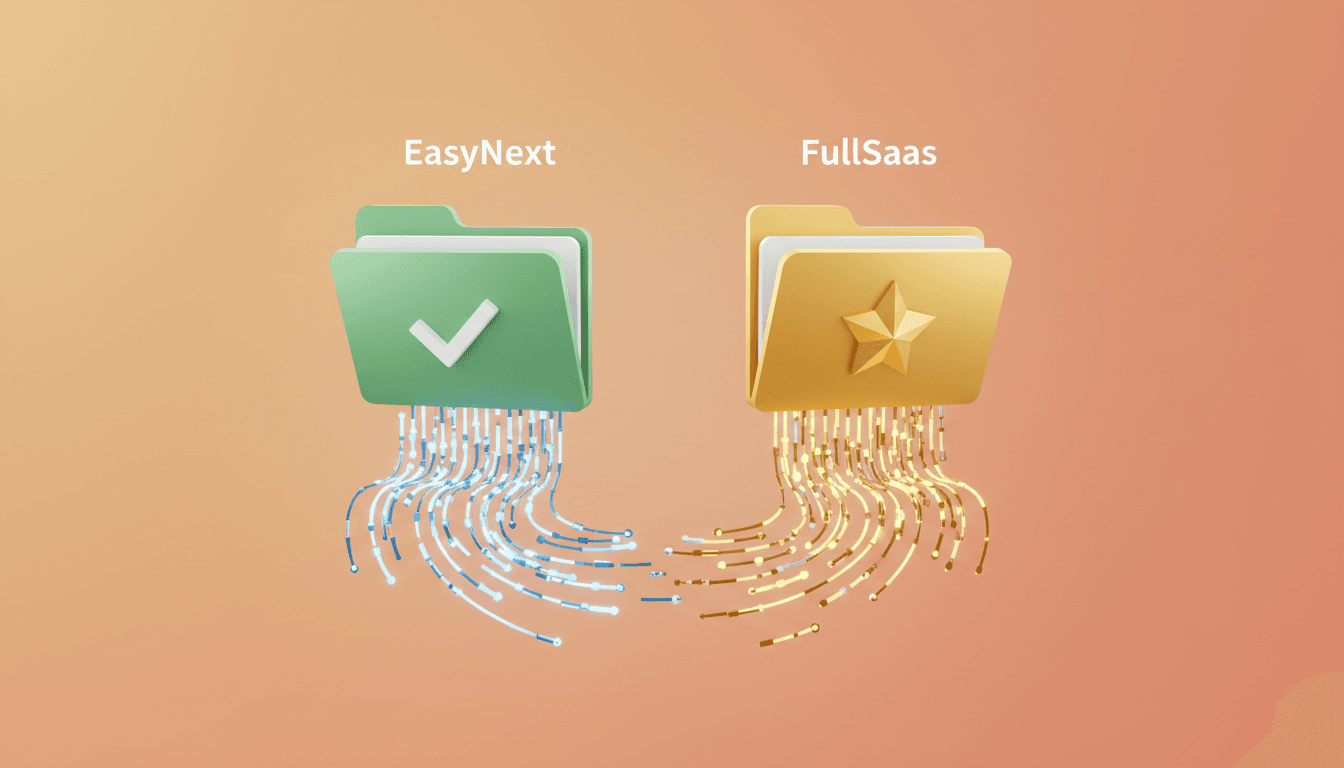
Unless you're a professional developer, building a codebase from scratch is incredibly challenging. You'll waste days setting up authentication, database connections, and project architecture—all before writing a single line of business logic.
Why Templates Are Essential
Code templates provide:
- Speed: Start with working infrastructure instead of building from zero
- Accuracy: Battle-tested configurations that just work
- Token Savings: Reduce AI back-and-forth by starting with correct patterns
Vooster's Template Options
EasyNext Template (Free)
Available on all Vooster plans, including the free tier:
- Basic Next.js foundation
- Supabase backend integration
- Essential libraries: date-fns, ts-pattern, TanStack Query, Zustand, shadcn-ui
- Perfect for MVPs and simple projects
FullSaaS Template (MAX Plan)
The complete monorepo structure for serious SaaS products:
- Full authentication system: User management and auth flows
- Subscription payments: Integrated payment processing
- Admin dashboard: Management interface
- Monorepo architecture: Organized apps/ and packages/ structure
The FullSaaS template includes everything you'd spend weeks building manually:
apps/
├── app/     # Main dashboard application
├── www/     # Marketing landing page
packages/
├── api/     # tRPC API routes
├── prisma/  # Database layer
├── ui/      # Shared UI components
This structure isn't just convenient—it's professional-grade architecture that scales with your business.
The Hidden Value of Templates
Beyond saving time, templates dramatically reduce token consumption. Without a template, your AI agent will ask countless questions about project structure, dependencies, and configuration. With a template, it knows exactly how to implement features within an established architecture.
4. Create Detailed Implementation Plans

As mentioned in the Advanced Vibe Coding Tips article, creating detailed plans upfront is absolutely crucial. This is where many beginner projects fail.
Why Implementation Plans Matter
Without a clear roadmap, you'll:
- Build features in the wrong order
- Discover architectural problems late
- Constantly refactor instead of progressing
- Confuse your AI coding agent with inconsistent instructions
Vooster solves this by automatically breaking down your PRD into actionable tasks.
How Vooster Creates Tasks
After analyzing your requirements documents, Vooster's AI:
- Identifies Core Features: Extracts the essential functionality from your PRD
- Creates Implementation Tasks: Breaks features into developer-ready work items
- Sets Priorities: Determines the optimal build order
- Defines Dependencies: Shows which tasks must be completed before others
Task Management Views
Vooster provides three powerful views:
- Kanban Board: Classic To Do → In Progress → Done workflow
- Workflow Board: Visualizes task dependencies
- Eisenhower Matrix: Prioritizes by urgency and importance
Example Task Breakdown
Instead of a vague goal like "build user authentication," Vooster creates specific tasks:
- T-001: Set up authentication database schema
- T-002: Implement user registration API endpoint
- T-003: Create login UI component
- T-004: Add password reset flow
- T-005: Implement email verification
Each task is specific, actionable, and ordered correctly. Your coding agent knows exactly what to build and in what sequence.
5. Direct Implementation Through Vooster Communication
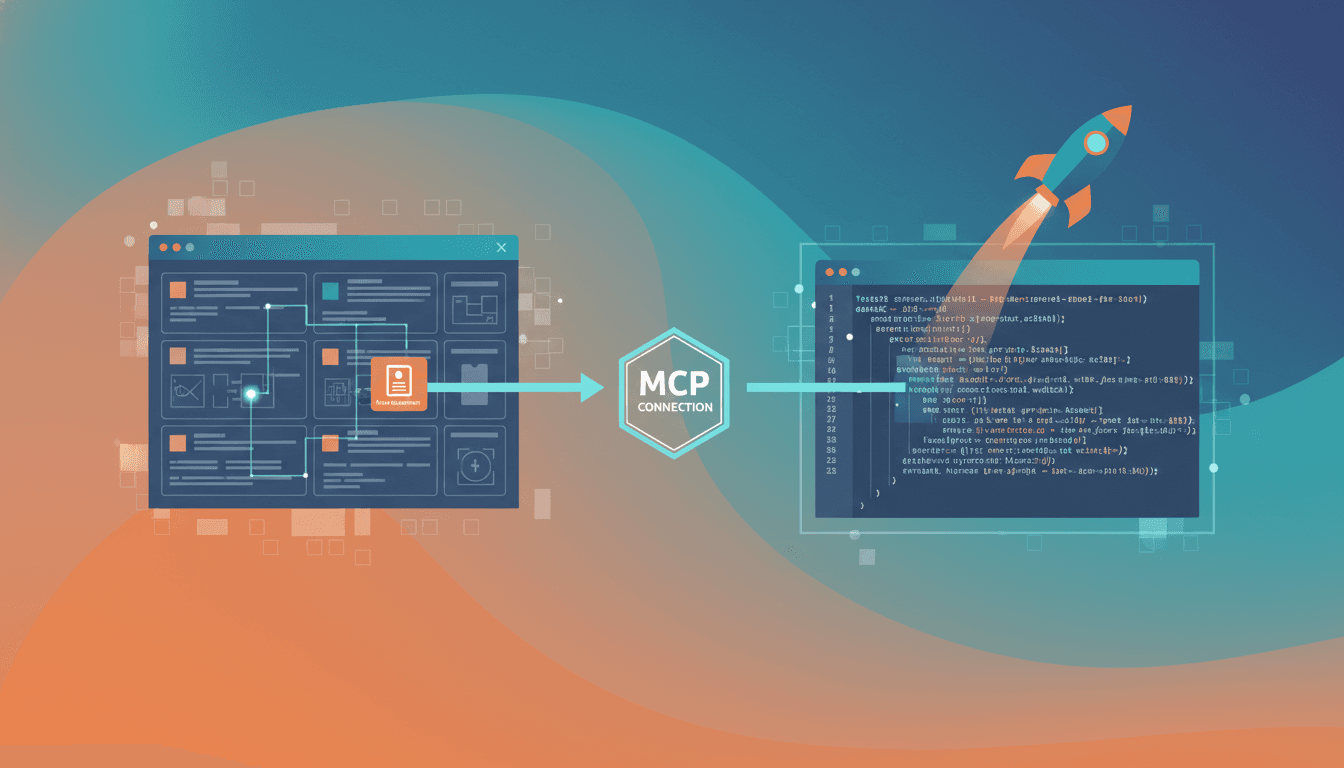
This is where everything comes together. After planning and task creation, it's time to actually build your SaaS—and Vooster makes this incredibly simple.
The Power of MCP Integration
Vooster connects directly to your coding agent (Claude Code or Cursor) through the Model Context Protocol (MCP). This integration means:
- Direct Access to Plans: Your coding agent reads PRDs, TRDs, and task lists directly from Vooster
- Consistent Context: No manual copy-pasting of requirements
- Live Updates: Changes in Vooster immediately reflect in your coding environment
How to Set Up MCP
Add this configuration to your coding tool:
For Cursor (.cursor/mcp.json):
{
  "mcpServers": {
    "vooster-ai": {
      "command": "npx",
      "args": ["-y", "--package=@vooster/mcp@latest", "vooster-ai", "--api-key=YOUR_KEY"],
      "type": "stdio"
    }
  }
}
For Claude Code (.mcp.json):
{
  "mcpServers": {
    "vooster-ai": {
      "command": "npx",
      "args": ["-y", "--package=@vooster/mcp@latest", "vooster-ai", "--api-key=YOUR_KEY"],
      "type": "stdio"
    }
  }
}
Simple Prompts Are Enough
Once connected, your prompts become remarkably simple:
Instead of this:
Build a user registration system with email verification,
password hashing using bcrypt, JWT token generation,
database schema for users table with email, password,
verified status fields, validation for email format...
You can simply say:
Implement T-003: Create login UI component
That's it. Your coding agent queries Vooster's task details, references the PRD and design guide, and implements exactly what's needed—no lengthy explanations required.
The Development Loop
- Check Next Task: Ask Vooster for the highest-priority task
- Implement: Tell your coding agent to build it
- Verify: Run your test harness (typecheck, lint, test)
- Update Status: Mark the task as complete in Vooster
- Repeat: Move to the next task
This systematic approach prevents the chaos that typically derails beginner projects. You're never wondering "what should I build next?"—Vooster always has the answer.
Building Your SaaS Systematically
Let's recap the five-step system for building a Next.js SaaS as a beginner:
- Prepare Your Tools: Get a coding agent (Claude Code/Cursor) and Vooster AI
- Detailed Planning: Use Vooster's AI wizard to create comprehensive documentation
- Start with Templates: Choose EasyNext or FullSaaS to avoid building infrastructure from scratch
- Create Implementation Plans: Let Vooster break down your PRD into prioritized tasks
- Implement via MCP: Connect your coding agent to Vooster and build task-by-task
Building a SaaS service as a beginner is challenging, but with Vooster, you can easily run a systematic project that professionals would admire.
Why This System Works
This approach succeeds where others fail because it:
- Prevents Scope Creep: Clear documentation keeps you focused
- Saves Time: Templates eliminate weeks of setup work
- Reduces Costs: Efficient prompts consume fewer tokens
- Maintains Quality: Systematic planning produces consistent code
- Scales with Complexity: The more complex your SaaS, the more valuable this structure becomes
Your Next Steps
You don't need to be a senior developer to build a SaaS. You don't need to hire a team. You don't even need to understand every technology in your stack.
What you need is a systematic approach that leverages AI effectively. That's exactly what Vooster provides.
Save time and money with Vooster's help while building your own service. From idea to execution, AI accompanies you every step. Good code starts with good planning.
Start your SaaS journey with Vooster AI today!
Start Structured Vibe Coding with Vooster
From PRD generation to technical design and task creation - AI helps you every step. Start free today.
PRD Generation
Auto-generate detailed requirements
Technical Design
Implementation plan & architecture
Task Generation
Auto-break down & manage dev tasks
No credit card required · Full access to all features
Related Posts
6 Levels of Building PROFITABLE Software (Beginner to God Mode)
Learn the 6 levels of building profitable software, from hiring developers to AI agent collaboration. Find your level and start earning with vibe coding.

5 Steps to Launch Your SaaS with Vibe Coding
Learn the proven 5-step framework to build and launch your SaaS product using vibe coding. From idea validation to deployment, master every essential phase.

5 Advanced Vibe Coding Tips Every Developer Should Know
Master AI-powered development with these 5 essential vibe coding techniques. Learn how to write better plans, optimize context usage, and maximize AI potential.