
AI Coding Tools: Complete Beginner's Guide to Building Your First App
Step-by-step guide to building a complete app with AI coding tools like Claude Code and Cursor. Perfect for beginners wanting to start their first project.
Introduction
You've heard about AI coding tools like Claude Code and Cursor. You've seen developers build entire applications in hours. But here's the problem: knowing the tools exist doesn't tell you where to start.
The real challenge isn't choosing between Claude Code or Cursor—it's knowing what to build and how to structure your idea into actual development tasks. Most beginners get stuck at this exact point: they have enthusiasm and powerful tools, but no roadmap from idea to deployment.
In this guide, we'll walk through the complete journey of building an app from scratch using AI coding tools—from transforming a vague idea into concrete requirements, to setting up your backend, building UI, adding authentication, and deploying your first app.
Step 1: Turn Your Idea Into a Concrete Plan
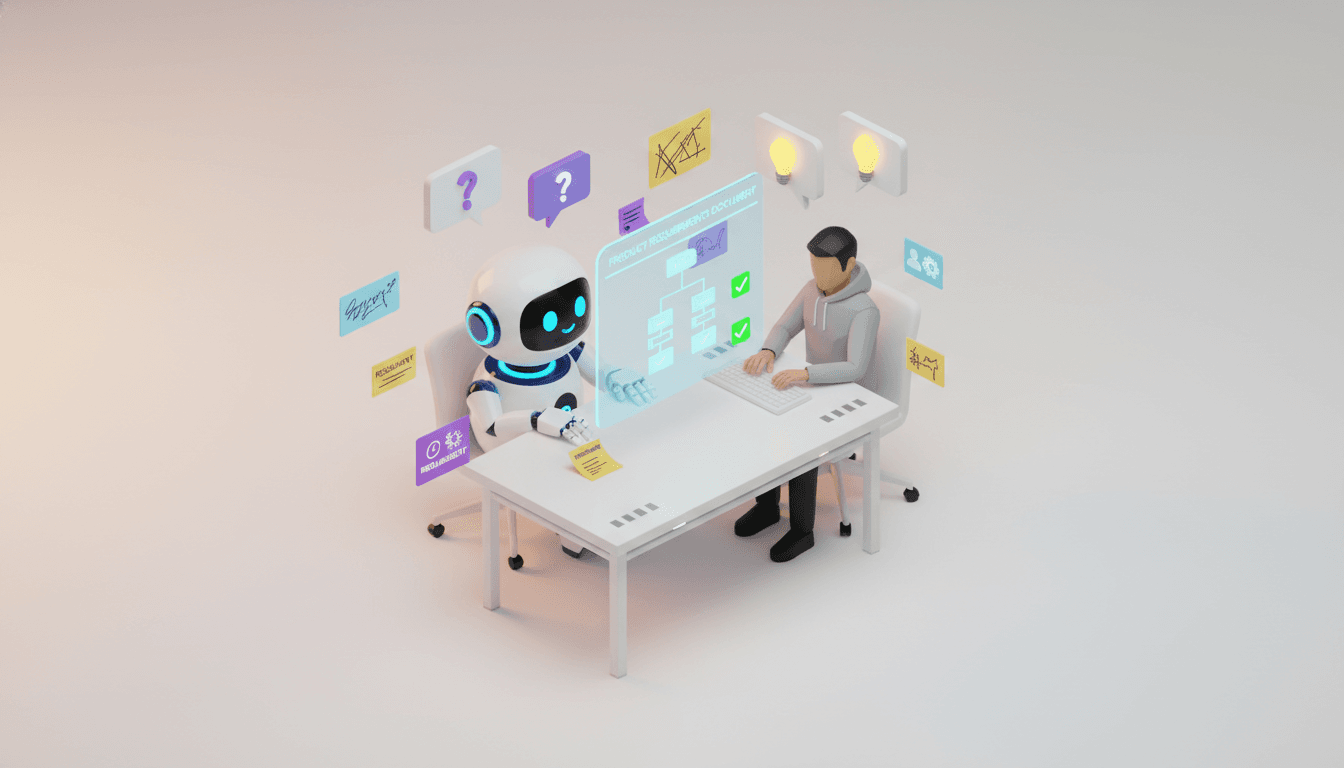
The biggest mistake beginners make is jumping straight into coding without a clear plan. Even with AI tools, you need to know what you're building before you start typing prompts.
The Problem: Vague Ideas Lead to Messy Code
When you tell Claude Code "build me a social media app," it will try—but the result will be unfocused, incomplete, and hard to maintain. Why? Because AI needs clear requirements just like human developers do.
The Solution: Talk to an AI PM First
Before opening Cursor or Claude Code, spend 10 minutes with an AI Product Manager to clarify:
- What exactly does your app do?
- Who are your users?
- What are the core features (MVP scope)?
- What's your tech stack?
This is where Vooster AI's Project Creation Wizard shines. Instead of manually writing a PRD (Product Requirements Document), you have a conversation with an AI PM that asks the right questions:
- "What problem does your app solve?"
- "Who is your target user?"
- "What's the one feature you can't launch without?"
After a 5-minute conversation, Vooster AI generates:
- PRD: Clear product requirements
- TRD: Technical specifications
- ERD: Database schema
- Design Guide: UI/UX direction
- Task Breakdown: Development tasks prioritized and ready to execute
Now when you open Cursor or Claude Code, you're not guessing—you're implementing a well-structured plan.
Step 2: Set Up Your Backend with Supabase

Once you have your plan, the next step is setting up your backend infrastructure. For beginners, Supabase is the perfect choice—it gives you PostgreSQL, authentication, and real-time features without managing servers.
Why Supabase?
- No server management: It's fully managed, so you can focus on building features
- Built-in auth: User sign-up, login, and session management out of the box
- PostgreSQL: A real, production-grade database
- Free tier: Perfect for learning and MVP development
How to Connect Supabase to Your App
- Create a Supabase project at supabase.com
- Get your API keys from project settings
- Use AI to scaffold the connection
Here's where AI coding tools accelerate your work. Instead of reading documentation, you can prompt Claude Code:
"Set up Supabase in my Next.js app. Use the official JS client library. Store connection in environment variables."
Claude Code will:
- Install
@supabase/supabase-js - Create
.env.localwith your keys - Set up a Supabase client utility file
- Show you how to use it in your components
Pro tip: If you started with Vooster AI and selected the EasyNext template, Supabase integration is already configured. The TRD document includes exact connection instructions, and you can feed that directly into Claude Code via MCP (Model Context Protocol) integration.
Create Your Database Schema
Feed your ERD (from Vooster AI) into Claude Code:
"Create these Supabase tables based on this ERD: [paste ERD]. Include foreign keys and RLS policies."
AI will generate SQL migration scripts. Copy them into Supabase SQL editor, run them, and your database is live.
Step 3: Build Your Frontend UI Step by Step
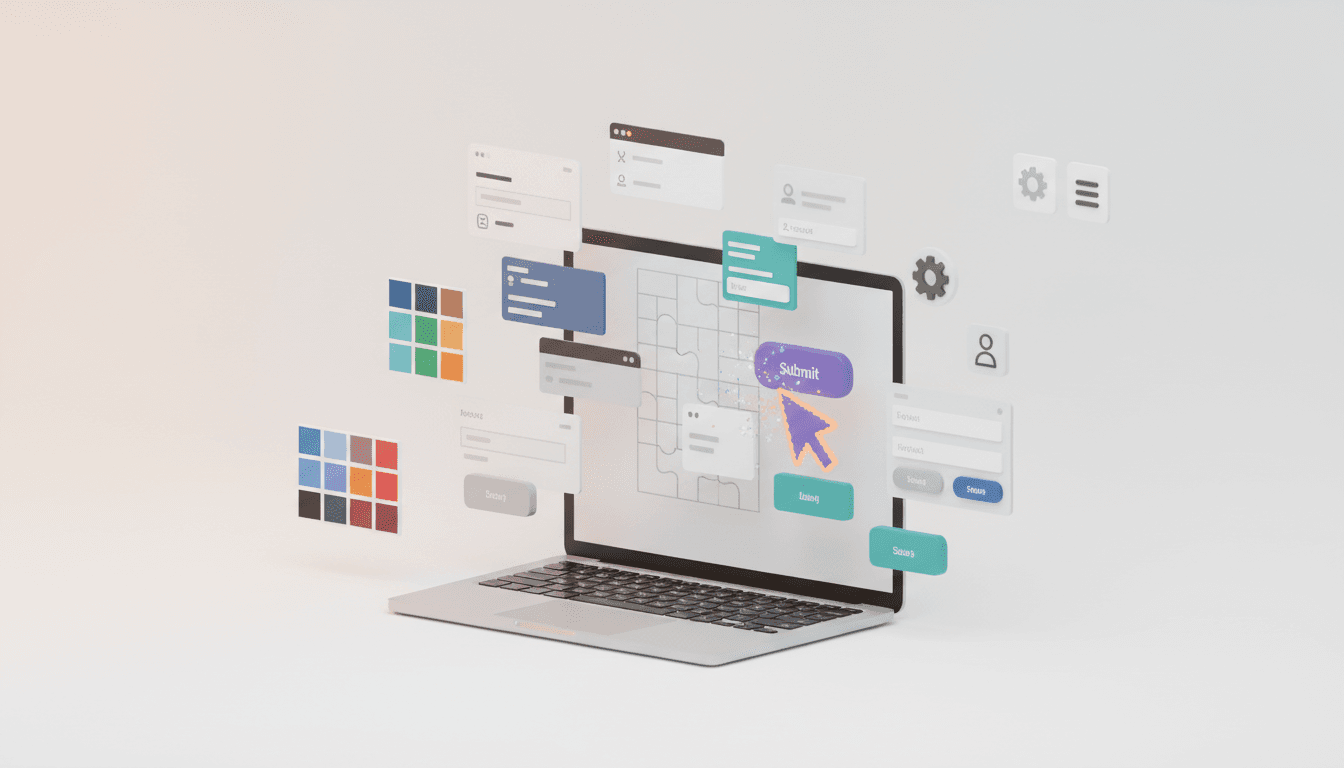
Now that your backend is ready, it's time to build the user interface. This is where AI coding tools really shine—you can iterate fast and see results immediately.
Start with Layout and Navigation
Prompt Claude Code or Cursor with your design guide:
"Create a responsive navigation bar with logo, menu items, and a user profile dropdown. Use Tailwind CSS and shadcn/ui components."
AI will scaffold:
- Header component
- Responsive mobile menu
- Styled with Tailwind
- Accessible and semantic HTML
Build Feature by Feature
Don't try to build everything at once. Go feature by feature based on your task list from Vooster AI:
Example: Building a Dashboard
"Create a dashboard page that fetches user data from Supabase and displays it in cards. Include loading and error states."
AI generates:
- React component with hooks
- Supabase query
- Loading skeleton
- Error handling UI
Example: Adding a Form
"Create a form to submit a new post. Validate inputs, submit to Supabase, and show success message."
AI generates:
- Form with validation
- Submit handler
- Optimistic UI updates
- Toast notifications
The Key: Be Specific in Your Prompts
❌ Bad: "Make a form" ✅ Good: "Create a contact form with name, email, message fields. Validate email format. Submit to Supabase 'contacts' table. Show loading spinner on submit."
The more specific you are, the better the AI output. And if you started with Vooster AI, your task descriptions are already detailed enough to paste directly as prompts.
Step 4: Add Authentication and Deploy
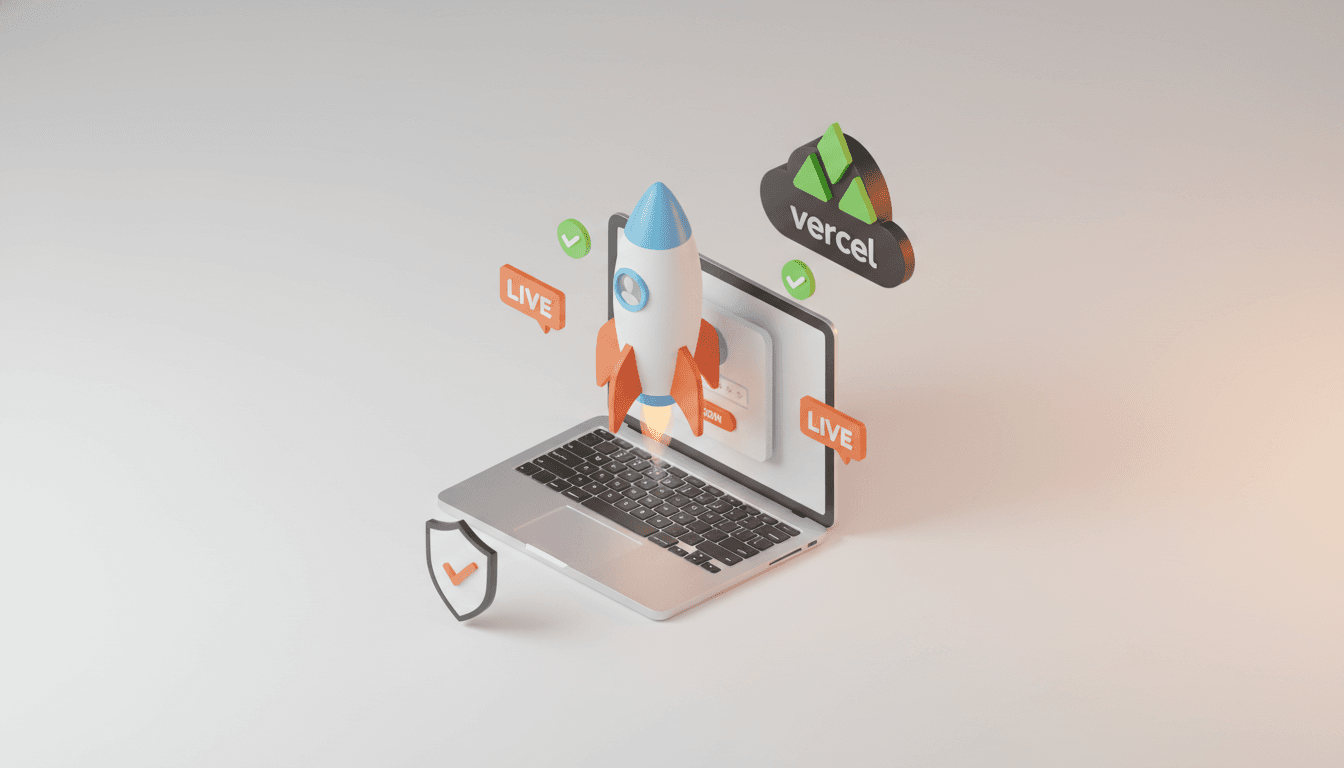
You've built features—now make your app secure and accessible to the world.
Add User Authentication
Supabase makes auth incredibly simple:
"Implement Supabase authentication with email/password. Create sign-up and login pages. Protect dashboard routes for authenticated users only."
Claude Code will:
- Create auth forms
- Add sign-up/login logic
- Set up protected routes
- Handle sessions and logout
Test it in your browser—register a user, log in, and verify protected routes redirect correctly.
Deploy to Vercel
Deploying a Next.js app to Vercel takes minutes:
- Push your code to GitHub
- Connect GitHub repo to Vercel
- Add environment variables (Supabase keys)
- Deploy
Prompt Claude Code if you need help:
"Show me how to deploy this Next.js app to Vercel. What environment variables do I need?"
Within 5 minutes, your app is live with a public URL. Share it, test it, get feedback.
Iterate and Improve
Your first version doesn't have to be perfect. Ship it, learn from users, and use AI tools to iterate quickly:
- "Add dark mode toggle"
- "Improve mobile responsiveness for the dashboard"
- "Add pagination to the posts list"
Each improvement takes minutes instead of hours.
Conclusion: Start Building Today
The hardest part of learning to code isn't learning syntax—it's knowing what to build and where to start. AI coding tools like Claude Code and Cursor are incredible, but they're even more powerful when paired with clear requirements and a structured plan.
Your Path Forward
- Clarify your idea with an AI PM (like Vooster AI's Project Wizard)
- Generate PRD, TRD, ERD, and tasks automatically
- Use Cursor or Claude Code with MCP integration to implement features
- Ship your MVP and iterate based on feedback
Ready to start? Vooster AI connects directly to Claude Code and Cursor via MCP, giving you:
- AI-generated project documentation (PRD, TRD, ERD, Design Guide, and more)
- Task breakdown synced directly to your coding environment
- EasyNext templates with Supabase pre-configured
Stop wondering where to start. Start building your first app with Vooster AI today!
Start Structured Vibe Coding with Vooster
From PRD generation to technical design and task creation - AI helps you every step. Start free today.
PRD Generation
Auto-generate detailed requirements
Technical Design
Implementation plan & architecture
Task Generation
Auto-break down & manage dev tasks
No credit card required · Full access to all features
Related Posts
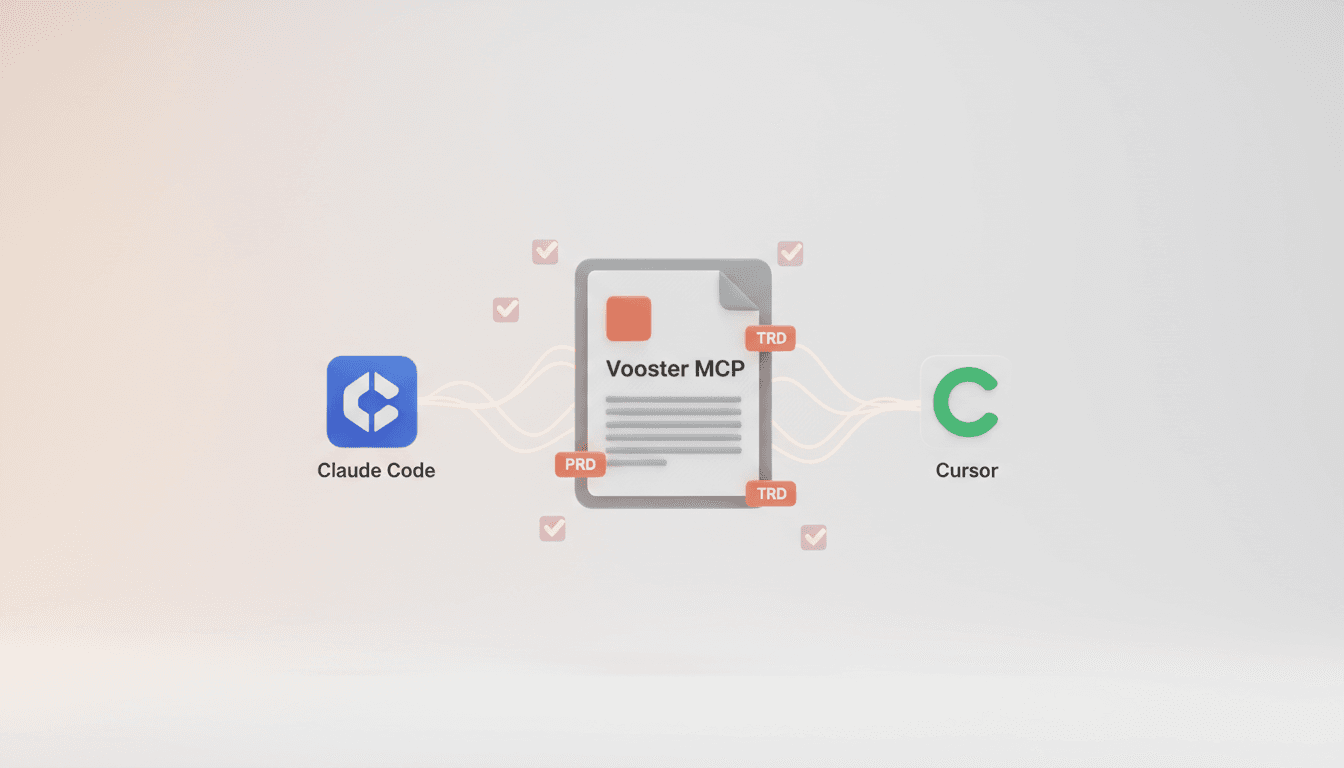
Vooster MCP Setup + Getting Started with Development
How to connect Vooster MCP to Claude Code and Cursor in 5 minutes. Step-by-step guide from @vooster/mcp package setup to API key configuration and implementing your first task.
How to Maximize Claude Code and Cursor with MCP Integration in 2025
Learn the secret to leveraging AI coding tools like Claude Code and Cursor effectively through MCP integration and proper context management.
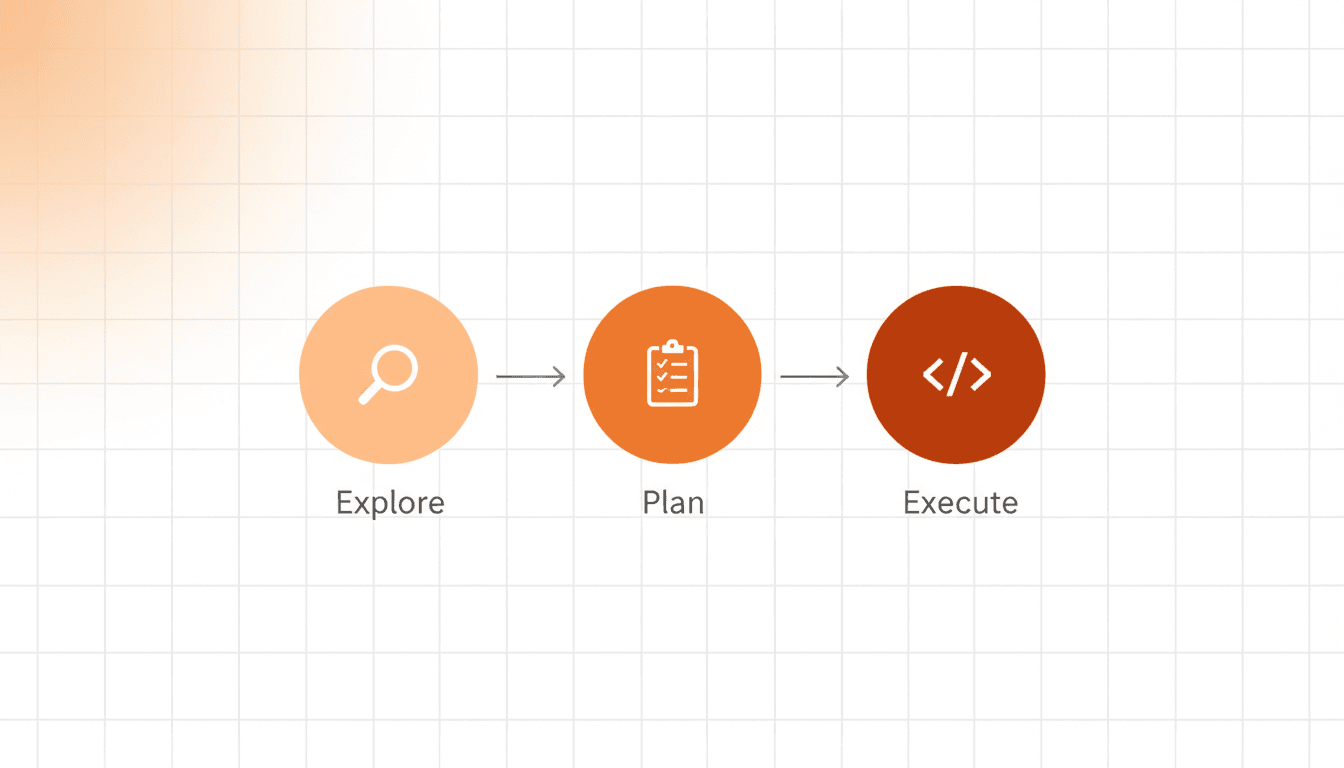
How to Prevent AI Hallucinations with Step by Step Rule
Learn how a 3-step process (Explore → Plan → Execute) prevents AI coding errors and ensures better results with Vooster AI's Step by Step rule.