
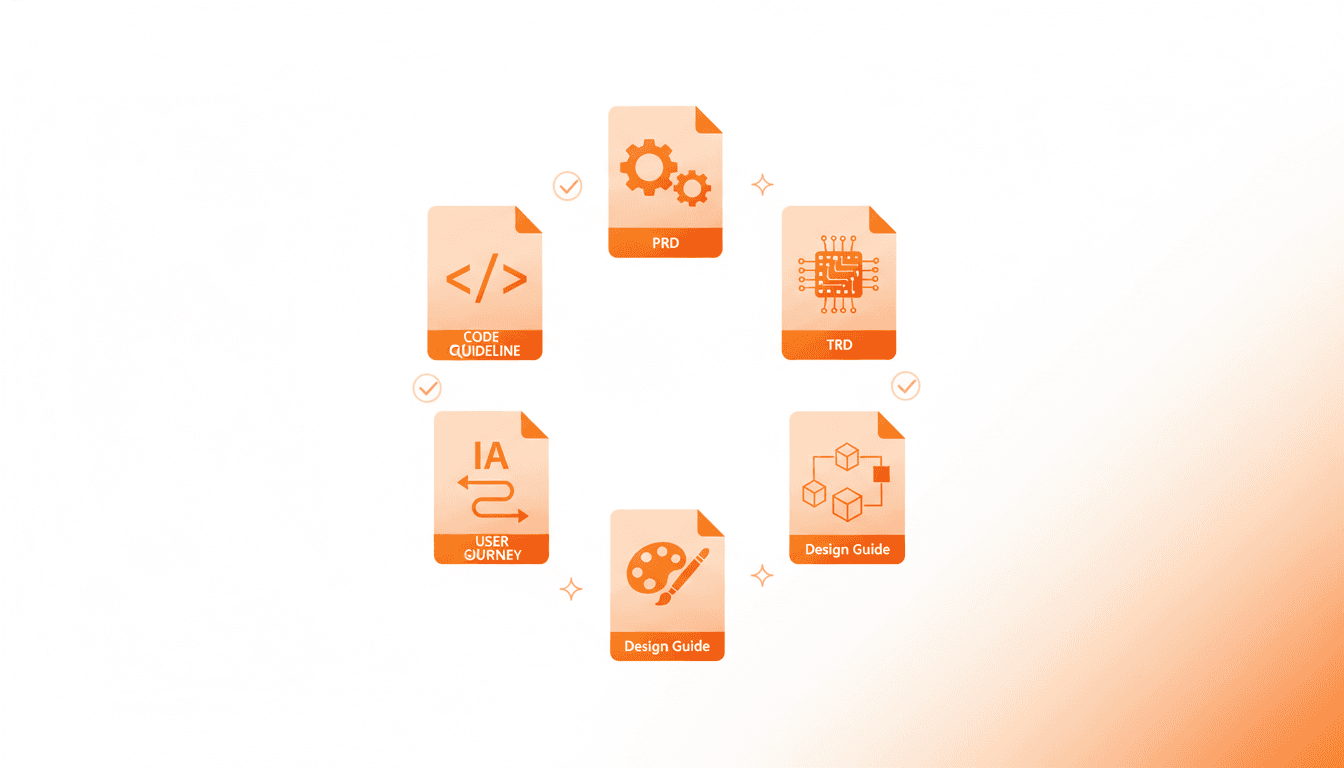
7 Essential Documents Vooster AI Creates - How to Generate Better Specs
From PRD to Design Guide - Learn what each of the 7 documents Vooster AI generates does and how to get better results from AI, explained for non-developers.
Why Do We Need Planning Documents?
"AI, build me an app like Instagram!"
What exactly will the AI build? Photo sharing? Stories? Reels? DMs? All of them? Are the target users teenagers or people in their 50s? Should the design be minimal or flashy?
What happens when you try to build a house without blueprints? Nobody knows where to lay the first brick, how many rooms to make, or where to put the bathroom. You end up building, tearing down, building again, and tearing down again.
Service development is the same. Ideas alone aren't enough. You need blueprints that clearly define what to build, how to build it, and how it should look. Only then can AI, developers, and designers all draw the same picture.
Vooster AI listens to your idea and automatically creates 7 essential blueprints. It's like having a team of skilled architects designing your dream house.
7 Documents at a Glance
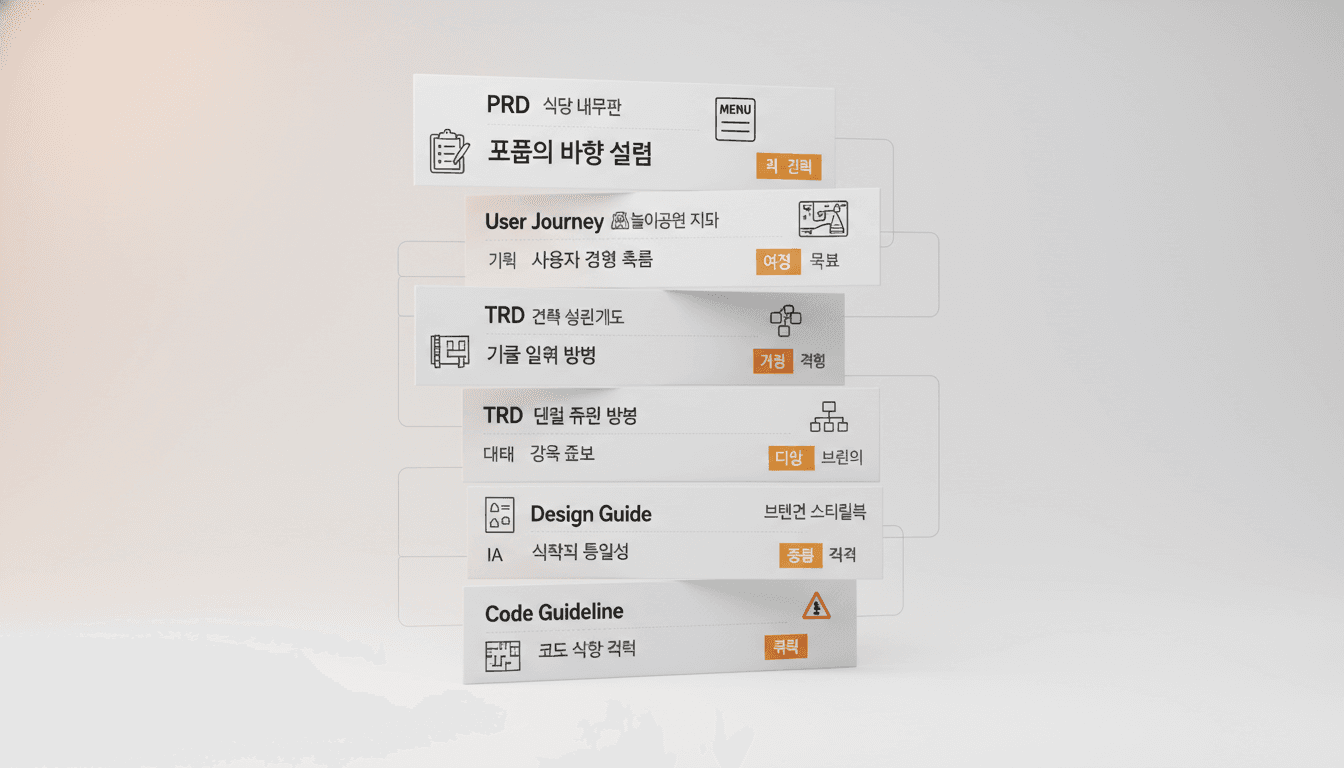
Here's what each of Vooster AI's 7 documents does, explained with everyday analogies.
| Document | Analogy | Core Purpose |
|---|---|---|
| PRD | Restaurant Menu | Defines what to build |
| User Journey | Theme Park Map | How users experience the service |
| TRD | Architectural Blueprint | How to build it |
| ERD | Family Tree | Relationships between data |
| Design Guide | Brand Style Book | The service's appearance |
| IA | Floor Directory | Where everything is located |
| Code Guideline | Traffic Rules | Coding standards |
These documents don't exist independently. Using a restaurant analogy: you need the menu (PRD) before you can design the kitchen (TRD), and you need the kitchen design before you can create the ingredient list (ERD).
Key insight for non-developers: These 7 documents must be complete for AI coding tools to work properly. When connected via MCP, AI reads these documents and accurately understands your intent.
Planning Documents - PRD, User Journey
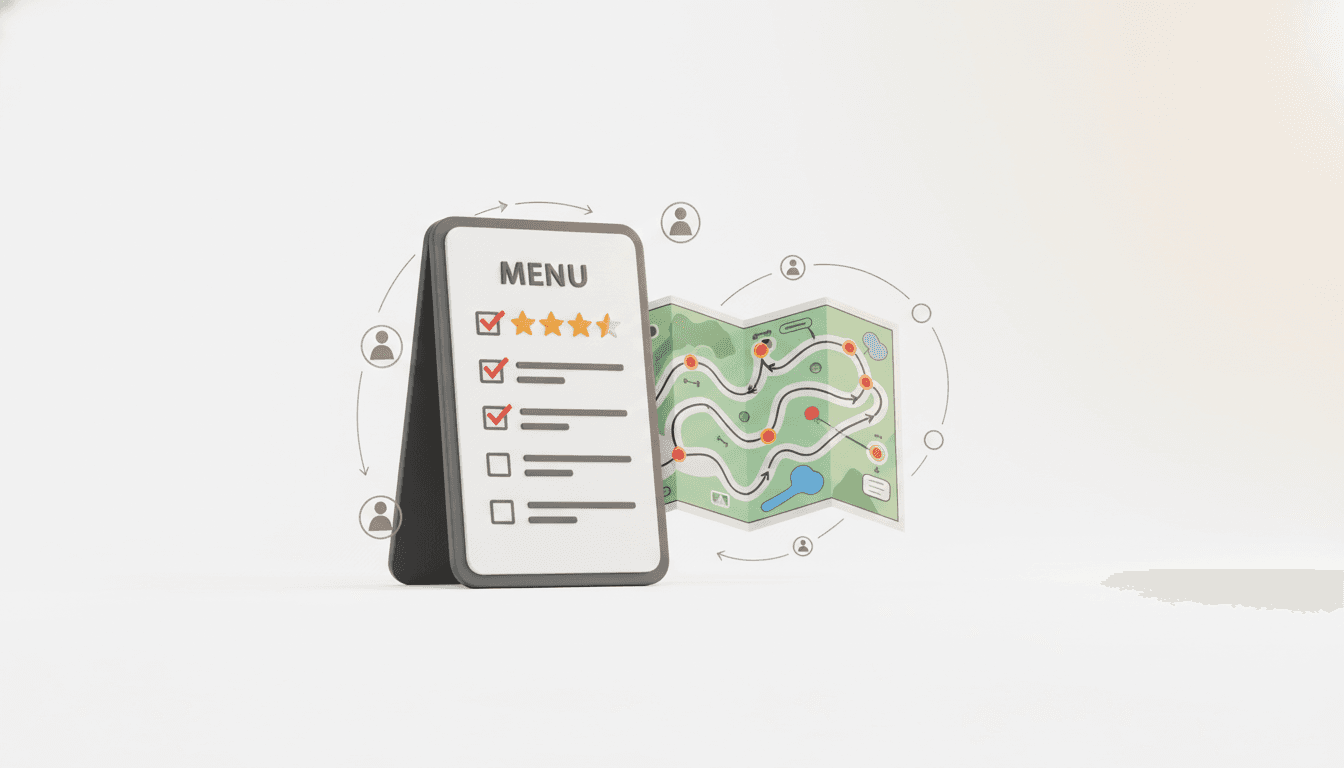
These two documents answer "What should we build?" In architecture terms, this is where the homeowner defines what they want.
PRD (Product Requirements Document)
Analogy: Restaurant Menu
What's on a menu? Dish names, ingredients, prices, flavor profiles. A PRD is the same.
- Feature Definition: "Users can upload photos and apply filters"
- Target Users: "Office workers in their 20s who want to share daily life"
- Problem Solved: "Existing SNS are too complex. We want to simply post photos"
Example:
❌ Bad PRD: "Photo sharing app"
✅ Good PRD: "An app for female office workers in their 30s to share today's OOTD
   during their 5-minute commute. Provides only 3 filters, text input is optional"
User Journey
Analogy: Theme Park Map
A theme park map shows the route: entrance → roller coaster → restaurant → exit. User Journey visualizes the sequence of how users experience your service.
Vooster AI automatically generates this as a Mermaid diagram - a flowchart with arrows.
Example Flow:
Launch app → Sign up → Take photo → Select filter → Upload → Check friends' reactions
Tips for Better Documents
- Be specific about target users: Instead of "office workers," say "office workers in their 30s who use the app during commute"
- Mention similar services: "Photo sharing like Instagram, but filters as simple as BeReal"
- Specify priorities: "Most important is upload speed. Must complete within 5 seconds"
Architecture Documents - TRD, ERD, Code Guideline

These three documents answer "How should we build it?" In architecture terms, these are the detailed blueprints drawn by architects.
TRD (Technical Requirements Document)
Analogy: Architectural Blueprint
What's in a house blueprint? Column positions, plumbing routes, electrical wiring. TRD defines the technical structure of your service.
- Tech Stack: "Next.js + Supabase + Vercel"
- Folder Structure: "Separated into app/, components/, lib/"
- Data Flow: "Client → API → Database"
Vooster AI automatically optimizes the TRD based on your chosen template (EasyNext, FullSaaS). For example, selecting FullSaaS automatically includes monorepo structure, tRPC, and Prisma in the TRD.
ERD (Entity Relationship Diagram)
Analogy: Family Tree
In a family tree, relationships like "father-son" and "older brother-younger brother" are connected by lines. ERD shows relationships between data.
Example:
User
 ↓ has many
Post
 ↓ has many
Comment
This diagram expresses "One user can write multiple posts, and each post can have multiple comments."
Code Guideline
Analogy: Traffic Rules
Even on the same road, rules differ by country. Korea drives on the right, UK on the left. Code is the same. Even when building the same feature, each team has different rules.
- Naming Rules: "Components use PascalCase, functions use camelCase"
- File Structure: "Components placed in components/ folder"
- Coding Style: "Use React Hook Form, manage state with Zustand"
Tips for Better Documents
Don't worry if you're not a developer! If you choose the right template, AI will automatically optimize TRD, ERD, and Code Guideline.
- EasyNext: Simple prototypes, personal projects
- FullSaaS: Production-ready SaaS, services requiring subscription payments
- SuperNext: Intermediate projects, custom backend needs
Design Documents - IA, Design Guide

These two documents answer "How should it look?" In architecture terms, this is the style guide created by interior designers.
IA (Information Architecture)
Analogy: Floor Directory
In a department store, you see directories like "1F - Cosmetics, 2F - Women's Clothing, 3F - Men's Clothing." IA defines your service's page structure and navigation.
Example:
Home
 ├─ Feed
 ├─ Search
 ├─ Upload
 ├─ Notifications
 └─ My Page
     ├─ Edit Profile
     ├─ Settings
     └─ Logout
At a glance, you see "click here to go there."
Design Guide
Analogy: Brand Style Book
Think of Starbucks. Same green color, same logo, same atmosphere everywhere. Design Guide defines your service's consistent appearance.
- Colors: "Primary: #FF6B35 (orange), Secondary: #004E89 (navy)"
- Typography: "Headings: Pretendard Bold 24px, Body: Pretendard Regular 16px"
- Components: "Buttons have 8px border-radius, 20% darker on hover"
Vooster AI automatically suggests colors and styles based on the service vibe you input.
Tips for Better Documents
- Mention reference services: "Clean feel like Notion," "Photo-focused like Instagram"
- Mood keywords: "Minimal," "Vibrant," "Cute," "Professional"
- Target age group: "Women in 20s → pastel tones," "Men in 40s → restrained colors"
Example:
❌ Bad request: "Make it pretty"
✅ Good request: "Clean and minimal design like Notion. White background with navy accents.
   Target is office workers in 30s, so readability is top priority"
3 Keys to Creating Better Documents
We've explored all 7 documents. Let's wrap up with 3 core tips for getting better documents from AI.
1. Be Specific
Bad example: "I want to make a food delivery app"
Good example: "An app for office workers in their 30s to find and order from nearby restaurants in 5 minutes during lunch break. Delivery guaranteed within 30 minutes. Only card payments supported, cash added later"
The more specific you are, the more accurate the PRD and TRD AI creates.
2. Provide Comparison Points
Bad example: "I want to make an SNS app"
Good example: "Photo-focused like Instagram, but can only upload once per day like BeReal. Filters are emotional like VSCO style"
Mentioning similar services helps AI understand features and design more accurately.
3. Clarify Priorities
Bad example: "Everything is important"
Good example: "Most important is easy sign-up. Complete in 5 seconds with email only. Profile photo and bio can be added later"
Clear priorities help Vooster AI arrange tasks with the most important ones first when breaking them down.
Bonus Tip: Leverage Templates
For non-developers, we highly recommend the FullSaaS template. Sign-up, payments, and dashboard are already implemented, so you can focus on core business logic.
Choosing a template automatically optimizes TRD, ERD, and Code Guideline. AI determines "this tech stack suits this template."
With Vooster AI, AI Helps with Planning Too
"I didn't even know what PRD was, and now I know 7 documents!"
That's right. But don't worry. Vooster AI doesn't ask you to write 7 documents yourself. Just chat with the AI planner.
Actual workflow:
- Input "I want to make a food delivery app" in Vooster AI
- AI planner asks: "Who are your target users?", "Similar services?", "Core features?"
- You answer through conversation
- AI automatically generates 7 documents
- Review documents and request modifications if needed
Just 5-10 minutes of conversation produces dozens of pages of planning documents.
What Happens When 7 Documents Are Complete
- ✅ AI coding tools work accurately: MCP connection lets AI read PRD and TRD for context
- ✅ Consistent code quality: AI maintains code style according to Code Guideline
- ✅ Systematic development: Tasks broken down by priority for sequential implementation
- ✅ Team collaboration: Planners, developers, designers communicate using same documents
Good code starts with good planning. Vooster AI makes the plan, you just execute.
Start Now
You can start free at Vooster AI:
- Refine your idea through conversation with AI planner
- Auto-generate 7 documents (5-10 minutes)
- Connect MCP with Claude Code/Cursor
- Start development with one phrase: "What should I do next?"
Don't know what PRD, TRD, ERD are? That's okay. Vooster AI will create them all for you.
Start turning your ideas into reality with Vooster AI today!
Start Structured Vibe Coding with Vooster
From PRD generation to technical design and task creation - AI helps you every step. Start free today.
PRD Generation
Auto-generate detailed requirements
Technical Design
Implementation plan & architecture
Task Generation
Auto-break down & manage dev tasks
No credit card required · Full access to all features
Related Posts
Y Combinator Startups Generated 95% Code with AI – Why Do They Still Fail?
Discover why AI-generated code projects fail despite vibe coding revolution. Learn how systematic documentation becomes crucial for AI coding success.
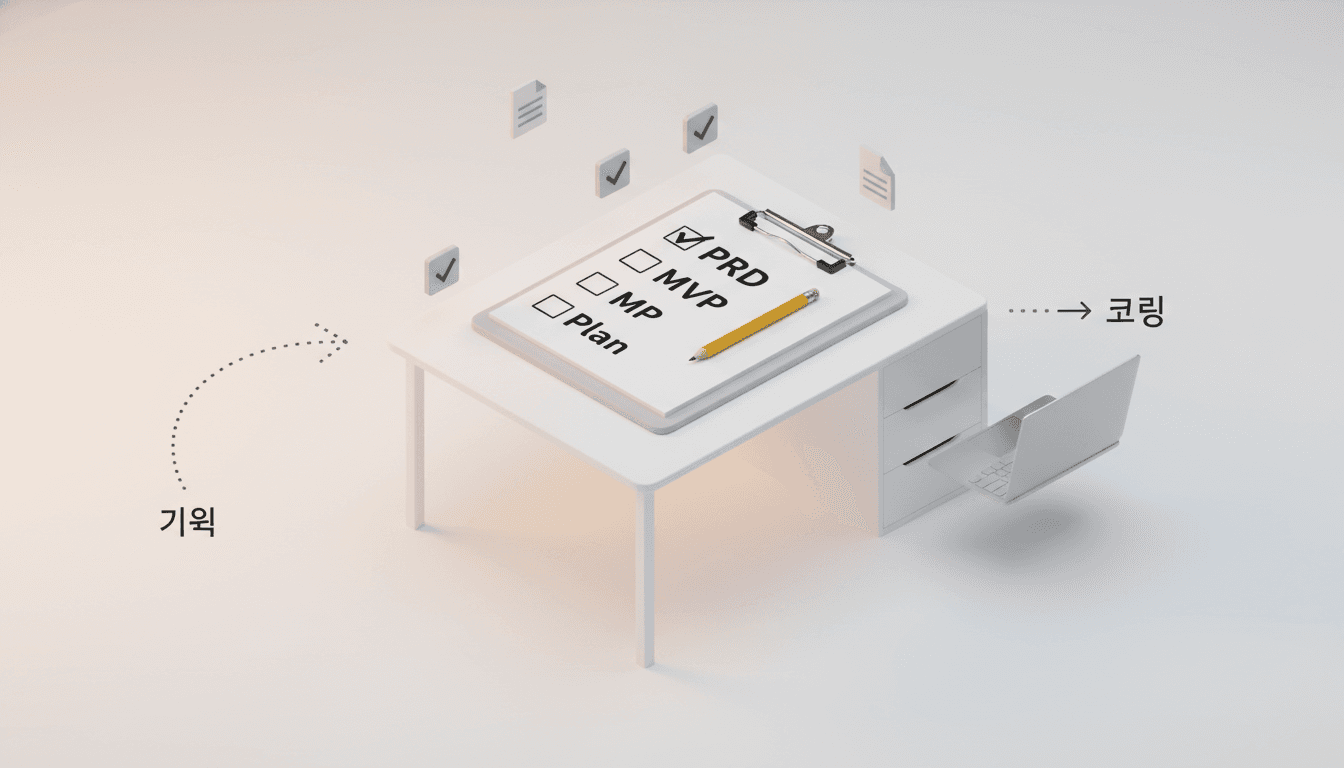
The Real Trap of Vibe Coding - It's Not About Coding, It's About Planning
Why your AI coding projects fail: Learn why proper planning and PRD creation are more important than coding skills in vibe coding success.

A Beginner's Guide to Building Your Own Next.js SaaS
Anyone can build a SaaS with vibe coding, but without the right approach, you'll waste time and money. Learn the most systematic way to build your Next.js SaaS from scratch.