
Why You Should Keep Updating Cursor Rules
Learn why continuously updating Cursor rules is essential for maintaining AI code quality and preventing bugs in evolving projects.
When you first start using AI coding tools like Cursor or Claude Code, they seem to work brilliantly. But as your project grows and becomes more complex, you've probably noticed that the AI-generated code starts losing consistency, behaving unexpectedly, or even introducing bugs.
Why does this happen? And how can you maintain consistent AI code quality throughout your entire project?
The answer lies in continuously updating your Cursor Rules.
Why Setting Rules Once Isn't Enough
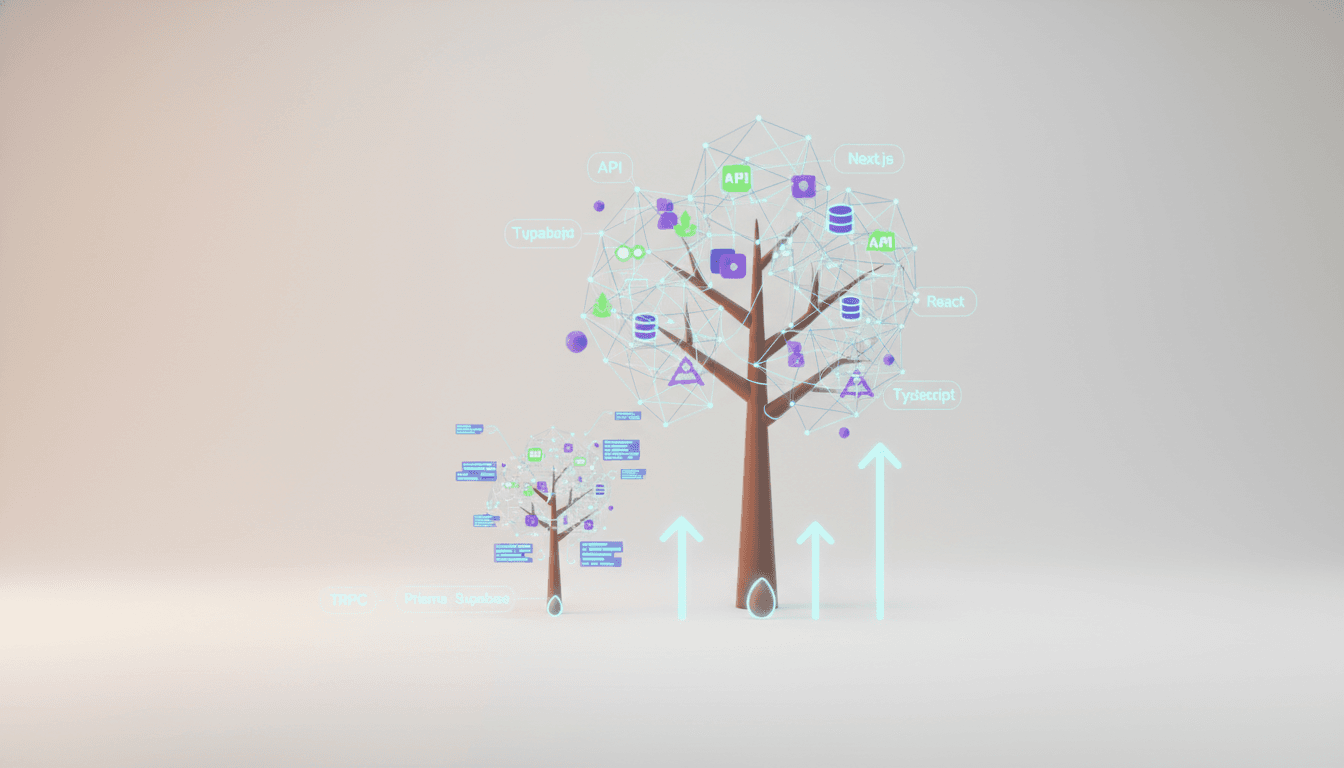
Many developers write their Cursor rules or code guidelines once at project kickoff and never touch them again. But projects are living organisms that constantly grow and evolve.
Changes That Emerge as Projects Evolve
- New patterns emerge: What started as simple API calls gradually evolves into complex data fetching logic, caching strategies, and error handling patterns.
- Tech stack becomes concrete: Early on it was just "Next.js + TypeScript," but later specific technologies like TRPC, Supabase, and Prisma get integrated.
- Database schema changes: New features bring new tables and increasingly complex relationships.
- Business logic expands: Simple CRUD operations grow to include permission checks, data validation, and transaction handling.
AI Doesn't Know Your Latest Project Context
AI coding tools follow general best practices by default. But they don't know the unique context of your specific project. For example:
- "Our project uses a specific TRPC pattern"
- "We use Supabase Row Level Security for authentication"
- "Relationships between certain entities should be handled this way"
Without these details in your rules, AI will generate code differently each time or create code that doesn't match your existing patterns.
When to Update Your Rules
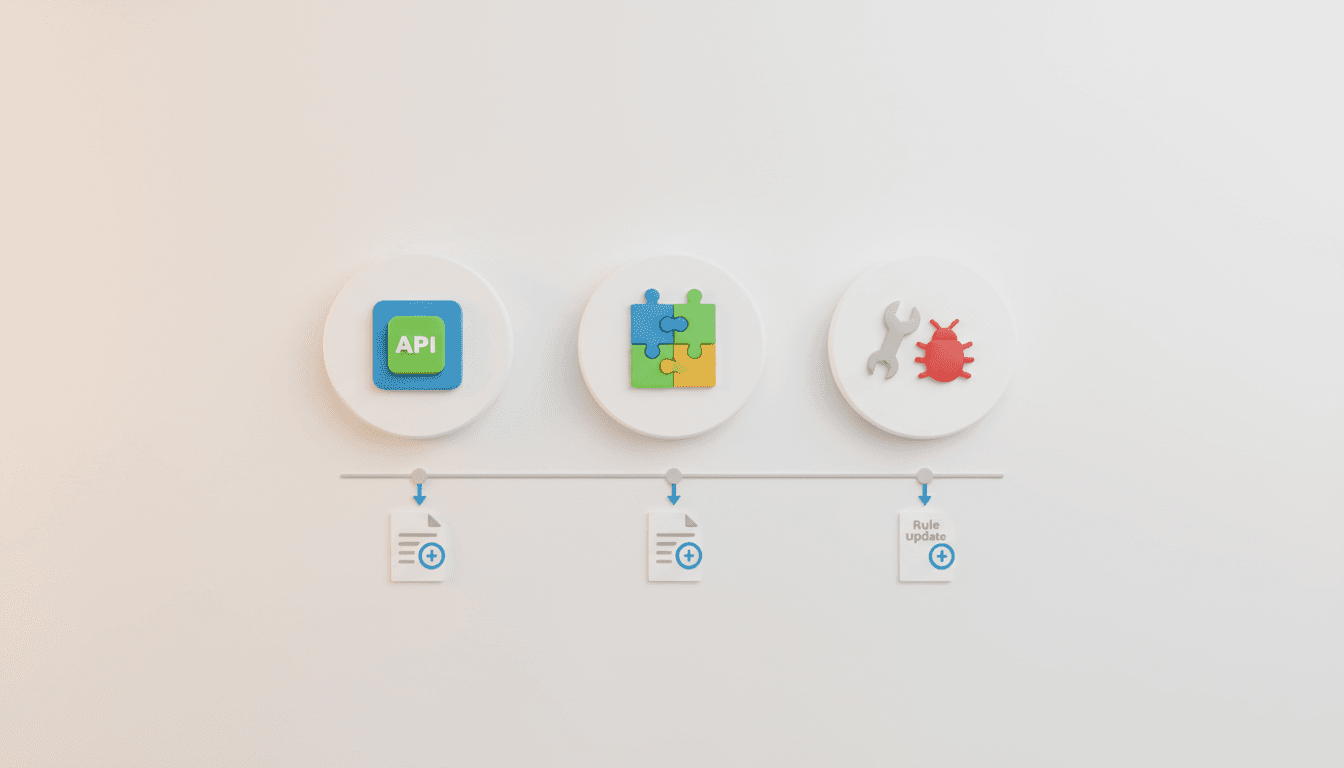
So when should you update your rules? These three moments are most critical.
1. After Implementing API CRUD
Once you complete your first feature, your project's actual patterns start to reveal themselves. For example, if you're using TRPC:
// If you implemented your API with this pattern
export const userRouter = createTRPCRouter({
  getById: publicProcedure
    .input(z.object({ id: z.string() }))
    .query(async ({ ctx, input }) => {
      return ctx.prisma.user.findUnique({
        where: { id: input.id }
      });
    }),
});
At this point, ask your AI:
"Analyze the TRPC API pattern we just implemented and write detailed rules for creating new APIs going forward. Focus especially on input validation, error handling, and Prisma query patterns."
2. After Setting Up New Technology
When you add new technologies like Supabase, Prisma, or Redis to your project, you must add related rules. For example:
- If you added Supabase: RLS policy writing methods, client initialization patterns
- If you added Prisma: Schema writing conventions, migration procedures
- If you added Redis: Cache key naming rules, TTL configuration standards
Real-world example: After setting up TRPC, this request is effective:
"Analyze our project's TRPC configuration and create guidelines for adding new routers. Include folder structure, router naming, and criteria for using procedure types (public/protected/admin)."
3. After Bug Occurrence and Resolution
Bugs are the best learning opportunities. Especially when bugs occur in AI-generated code, it's a signal that your rules were insufficient.
Important process:
-
Describe the bug in detail: "This TRPC endpoint's Prisma relationship query didn't work properly. Using
selectinstead ofincludecaused relationship data to be missing." -
Ask AI to explain: "Analyze why this mistake happened and suggest rules to prevent the same mistake in the future."
-
Add to rules: "Add the suggested rules to the TRPC Implementation section. Check for duplicates with existing rules and include specific code examples."
Best Practices and Precautions for Updating Rules
When updating rules, you need to go beyond simply adding content and manage them systematically.
Preventing Duplication with Existing Rules
As rule documents grow, duplicate content easily creeps in. Duplication causes confusion and undermines consistency.
Effective approach:
"First read the Cursor rule writing guidelines we set earlier. Then I'll add new TRPC-related rules, but exclude any parts that duplicate existing content and only add new insights."
Creating Structured Rule Documents
Manage your rule documents with this structure:
# Code Guidelines

## 1. Architecture Patterns
- Directory Structure
- Module Organization
- Dependency Rules

## 2. Technology-Specific Rules
### 2.1 TRPC Implementation
- Router organization
- Input validation patterns
- Error handling

### 2.2 Prisma Database Access
- Schema conventions
- Query patterns
- Transaction handling

## 3. Common Pitfalls
- [Date] TRPC include vs select issue
- [Date] Supabase RLS policy gotcha
Always Include Example Code
Concrete example code is far more effective for AI than abstract rules.
Poor rule:
- TRPC queries should have appropriate error handling.
Good rule:
- TRPC queries should explicitly throw errors using TRPCError:

```typescript
if (!user) {
  throw new TRPCError({
    code: 'NOT_FOUND',
    message: 'User not found',
  });
}
### Automating Rule Updates: Using Vooster AI

Manually managing rules is tedious. With Vooster AI's MCP (Model Context Protocol) integration, you can update rules in real-time while developing.

**Using Vooster AI's `update_code_guideline` tool**:

1. **Bug discovered during development**: Found a TRPC-related bug.
2. **Request AI analysis**: "Analyze the cause of this bug and suggest prevention rules."
3. **Auto-update**: Call the `update_code_guideline` tool to immediately reflect rules in your project.
4. **Applied from next development**: Updated rules are immediately applied to the next AI code generation.

This way, **your code guidelines grow with your project**. Rules are no longer static documents but living assets where project knowledge accumulates.

## Rules Are Living Documents

Cursor rules aren't documents you write once and forget. Just as projects grow and evolve, rules should grow alongside them.

Especially when using complex tech stacks like TRPC, Prisma, and Supabase, without specific and detailed rules, AI will generate code differently each time, and your project will ultimately lose consistency.

**Key takeaways**:
- Update rules at these three critical moments: after API implementation, after adding new tech stack, and after bug resolution.
- Avoid duplication, include specific examples, and maintain systematic structure.
- With Vooster AI's MCP integration, you can automate rule updates and apply them in real-time.

**Vooster AI** provides tools to grow your code guidelines alongside your project. With MCP's `update_code_guideline` feature, immediately reflect insights discovered during development into your rules, ensuring AI always generates consistent code based on the latest context.

Start your systematic vibe coding journey with [Vooster AI](https://vooster.ai) today!
Start Structured Vibe Coding with Vooster
From PRD generation to technical design and task creation - AI helps you every step. Start free today.
PRD Generation
Auto-generate detailed requirements
Technical Design
Implementation plan & architecture
Task Generation
Auto-break down & manage dev tasks
No credit card required · Full access to all features
Related Posts
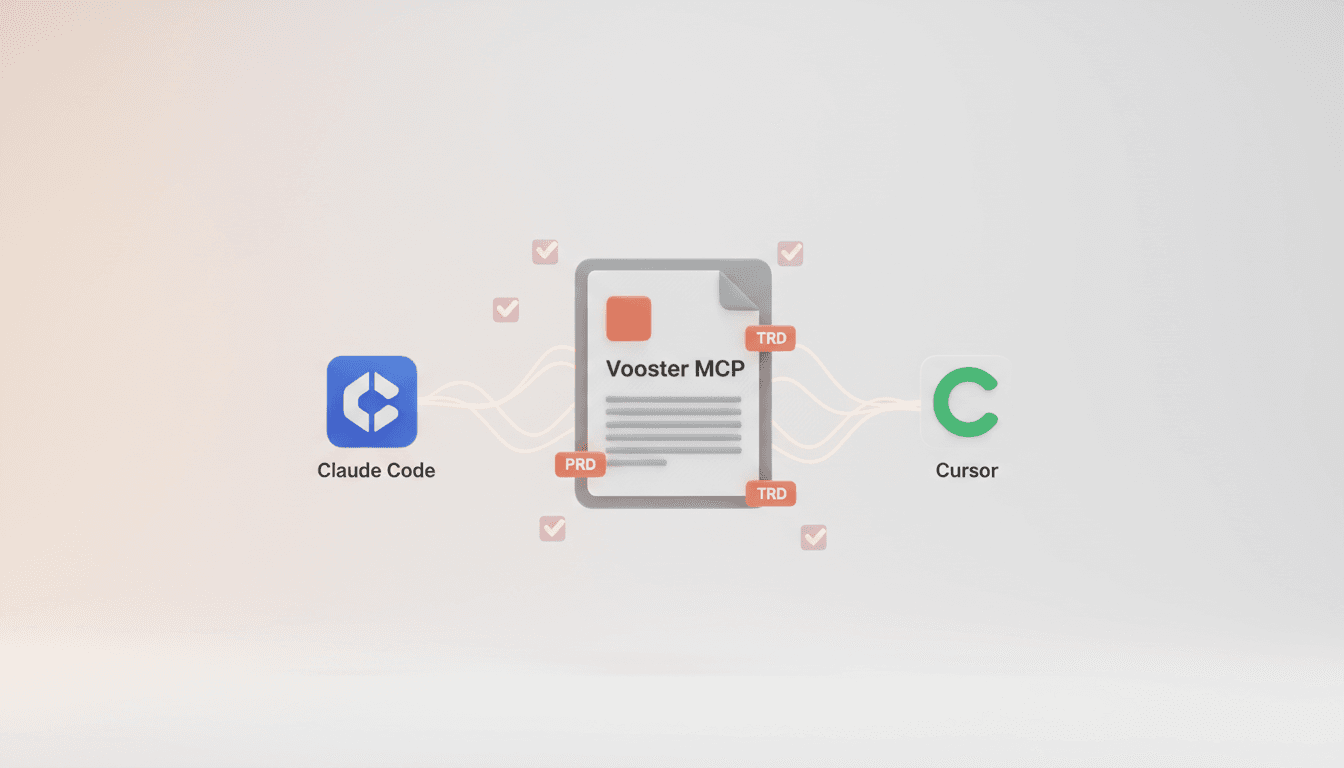
Vooster MCP Setup + Getting Started with Development
How to connect Vooster MCP to Claude Code and Cursor in 5 minutes. Step-by-step guide from @vooster/mcp package setup to API key configuration and implementing your first task.
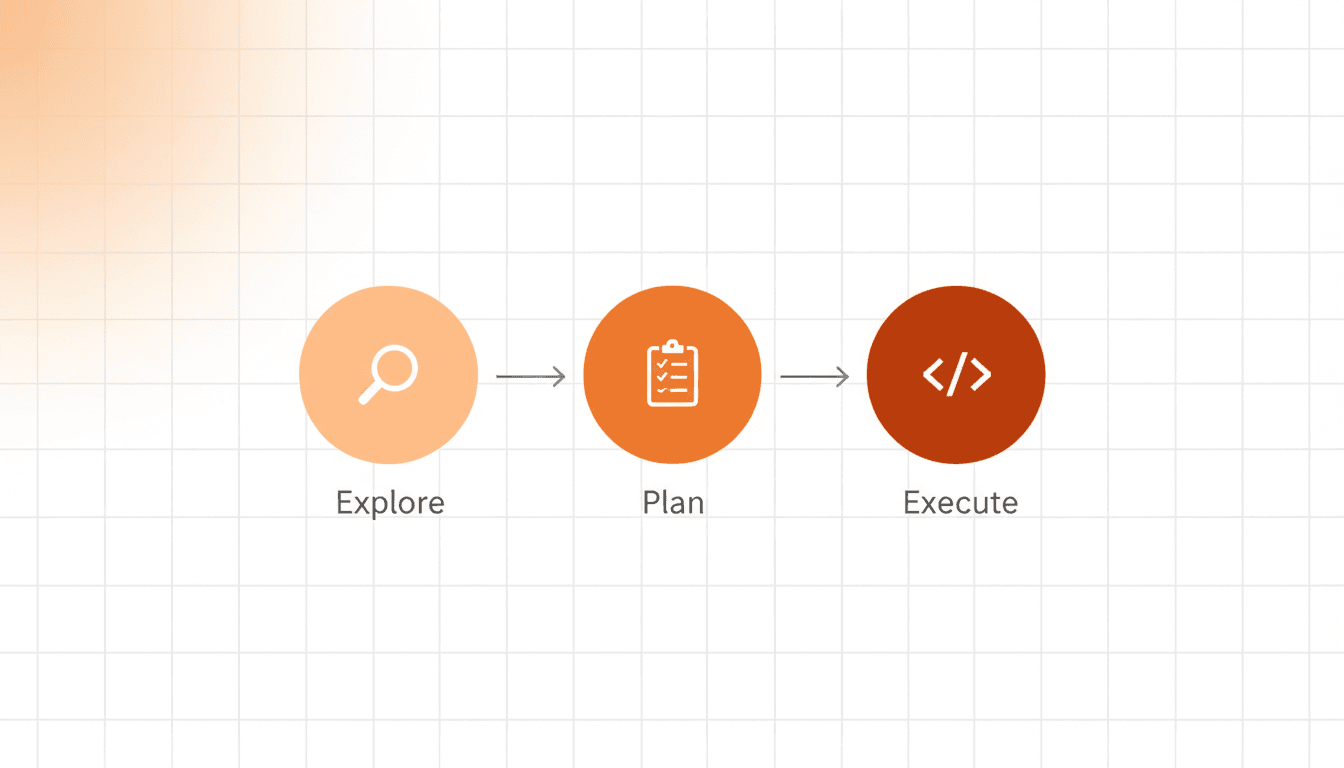
How to Prevent AI Hallucinations with Step by Step Rule
Learn how a 3-step process (Explore → Plan → Execute) prevents AI coding errors and ensures better results with Vooster AI's Step by Step rule.
How to Maximize Claude Code and Cursor with MCP Integration in 2025
Learn the secret to leveraging AI coding tools like Claude Code and Cursor effectively through MCP integration and proper context management.