
The Real Role of Developers in the AI Era: From Coding to Prompt Planning
AI writes code, but developers guide it. Learn the 3 core skills for AI-era developers: domain understanding, codebase knowledge, and prompt planning.
What Should Developers Do When AI Writes Code?
"Are developers becoming obsolete?" This is a question many ask while watching the rapid advancement of AI coding tools. Seeing AI agents like Cursor and Claude Code write code at incredible speeds can make the future of developers feel uncertain.
But the reality is the opposite. In the AI era, the role of developers isn't disappearing—it's evolving. They're moving away from typing code directly to more essential and strategic roles. It's like how coachmen evolved into drivers when cars were invented.
This article explores the three core competencies and growth strategies developers should focus on in the AI era. Pay special attention to how junior developers can now achieve mid-level performance with prompt planning skills alone.
Junior Developer Growth Speed Has Increased 10x

In the past, it took junior developers at least 1-2 years to implement proper features. They grew slowly by learning syntax, studying frameworks, and accumulating debugging experience. But in the AI coding era, everything has changed.
With just prompt writing skills, junior developers can achieve mid-level developer performance. AI handles syntax, library usage, and code patterns. Junior developers only need to clearly specify "what to build."
Entry Barriers Have Lowered, But the Definition of Expertise Has Changed
It's true that technical entry barriers have lowered. We've entered an era where even non-developers can build simple apps using AI tools. But this doesn't mean developers are unnecessary. Rather, the criteria for distinguishing real developers from amateurs has changed.
Old criteria:
- How many languages can you handle?
- How quickly can you solve algorithm problems?
- How well do you know frameworks?
New criteria:
- How deeply do you understand domain logic?
- Can you grasp codebase structure and context?
- What do you ask AI and how do you review the results?
Simply using AI tools doesn't make you a professional developer. But developers who know how to properly leverage AI can achieve 10x or more productivity.
3 Core Competencies Developers Should Focus On
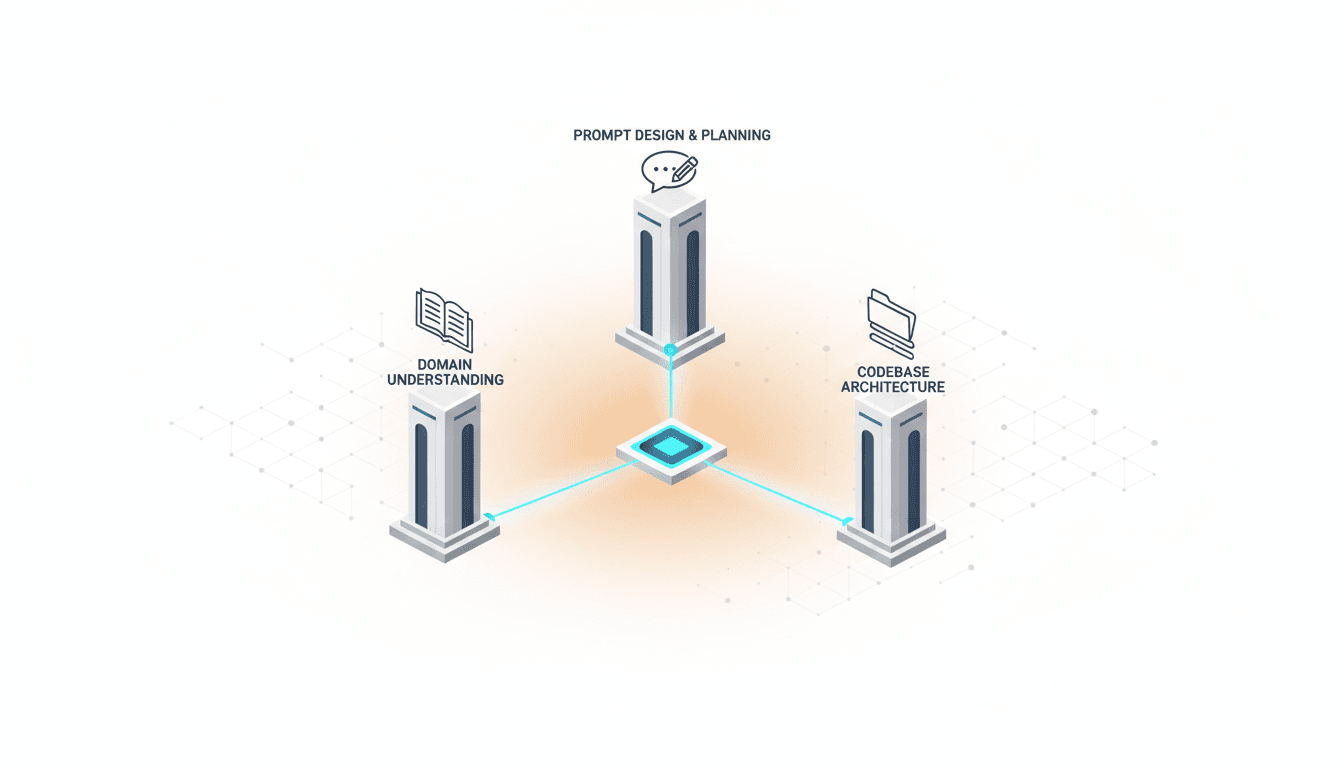
If AI writes code, what should developers focus on? These three competencies determine a developer's core value in the AI era.
1. Domain Understanding: Only Those Who Know Business Logic Can Properly Leverage AI
Understanding business logic is more important than technology. AI perfectly handles syntax and patterns, but it lacks business domain knowledge. If you ask "Create an e-commerce shopping cart feature," AI will build a generic cart. But to create a cart that "adds items to a waitlist when inventory is low and provides priority purchase options for VIP members," developers must clearly understand these domain requirements and communicate them to AI.
Examples:
- ❌ Wrong approach: "Create a login feature"
- ✅ Right approach: "Implement social login with OAuth 2.0, redirect to additional information input page on first login, and restrict certain features until email verification is complete"
Developers who deeply understand the domain can make specific, contextual requests to AI, and the quality of the results is much higher.
2. Codebase Understanding: The Ability to Tell AI About Existing Patterns and Conventions
Providing context to AI is key. When starting a new project, it doesn't matter, but most real-world development happens on top of existing codebases. AI doesn't know the project's directory structure, naming conventions, or state management patterns.
Developers need to guide AI like this:
- "Our project uses a feature-first structure. Create new features inside the
src/features/[feature-name]folder" - "We're using Zustand for state management. Create a new store following the existing store pattern in the
stores/folder" - "All API calls use the axios instance in
src/api/. Apply the same error handling logic"
Developers who understand the codebase and provide clear context to AI can ensure AI generates consistent, maintainable code.
3. Prompt Planning: Knowing What to Request Is More Important Than Writing Code
Prompt writing is the new coding language. In the past, developers wrote code directly, but now the ability to explain to AI what to build is more important. A good prompt includes these elements:
- Clear objective: "What are we building?"
- Specific requirements: "What conditions and constraints exist?"
- Context information: "How does this connect to existing code?"
- Validation criteria: "How will we verify completeness?"
Example prompt:
Create a user profile edit feature.

Requirements:
- Don't modify the existing UserProfile component; create a new EditUserProfile component
- Use react-hook-form + zod for form validation
- Allow editing of name, email, and profile image
- Use the existing uploadToS3() function for image uploads
- Call /api/user/update endpoint on save
- On success: show toast notification + navigate to profile page
- On error: display error message below form

References:
- Follow styling from src/components/UserProfile.tsx
- Use updateUser function from src/hooks/useUser.ts
Developers who can plan prompts like this can leverage AI's full potential.
The Ability to Review and Adjust AI Output
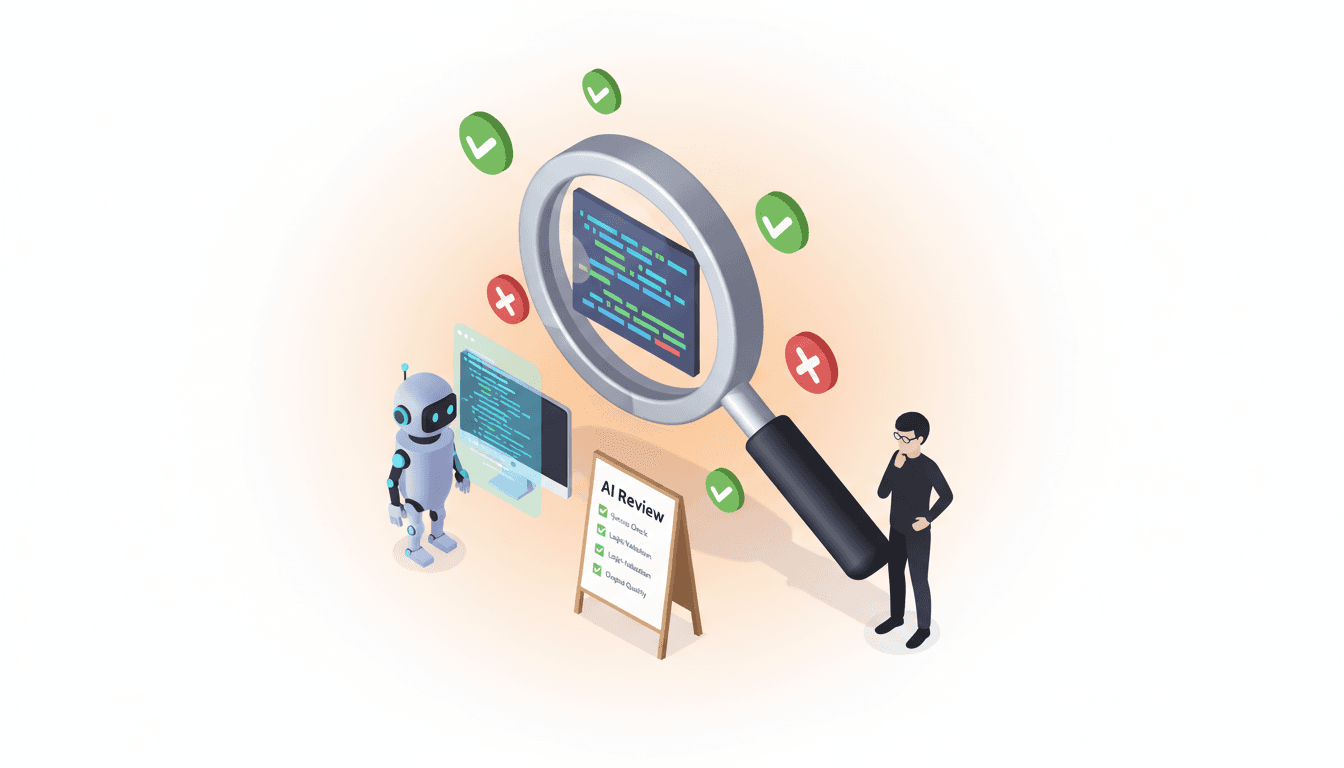
Blindly accepting AI-generated code is dangerous. AI tends to over-spec, so it's important to cut it down appropriately.
Prevent AI Over-Engineering
AI often suggests overly complex solutions. It might suggest introducing Redux when simple state management is enough, or create excessively abstracted class-based code when you asked for a small utility function.
A developer's role is to critically review AI's suggestions and adjust them appropriately:
- "This is too complex. Rewrite it in a simpler way"
- "We don't need this abstraction at this stage. Keep it simple following the YAGNI principle"
- "We'll add this feature later. Just implement the core functionality for now"
Changed Debugging Approach: Fixing Directly → Explaining to AI and Having It Fix
In the past, when errors occurred, developers debugged and fixed code directly. But debugging in the AI era is different:
Step 1: Check error traces in developer tools
- Check browser console, network tab, terminal logs, etc.
- Identify the situation where the error occurred
Step 2: Explain the problem to AI in detail and request a fix
I'm getting this error on submit in the UserForm component:
"Cannot read property 'email' of undefined"

Looking at the console log, formData.user is undefined.
It seems the handleSubmit function isn't properly extracting the user object.

Fix this issue and add debugging code that console.logs the formData
structure first.
Step 3: Request updating rules to prevent this in the future
When writing form submit handlers from now on:
1. Always console.log formData structure first
2. Use optional chaining (?.) for safe access
3. Specify TypeScript types to catch errors at compile time

Add this rule to the project coding guidelines.
This is the new development approach: debugging through conversation with AI and creating recurrence prevention rules.
Output Review Checklist
When AI generates code, check these items:
- ✅ Does it meet all requirements?
- ✅ Is it consistent with existing code patterns?
- ✅ Is there unnecessary complexity?
- ✅ Are edge cases handled?
- ✅ Are there any performance issues?
- ✅ Are there any security vulnerabilities?
Conduct Your AI Agent Team with Vooster AI
We've explored how developers' roles are changing in the AI era. The key is that developers must evolve from people who write code to people who lead AI.
Vooster AI is the platform that most effectively supports this transformation. It's not just a coding tool, but an environment where you can plan and execute entire projects with AI.
What Vooster AI Provides:
1. Collaboration with AI Agent Team
- Product Manager AI: Organizes requirements and writes PRDs
- Technical Architect AI: Designs tech stack and architecture
- Designer AI: Creates IA and design guides
2. Documentation of Domain Knowledge
- Automatically generate PRD (Product Requirement Document) through conversation with AI
- Clearly organize business logic and requirements
- These documents are delivered to coding AI for contextual development
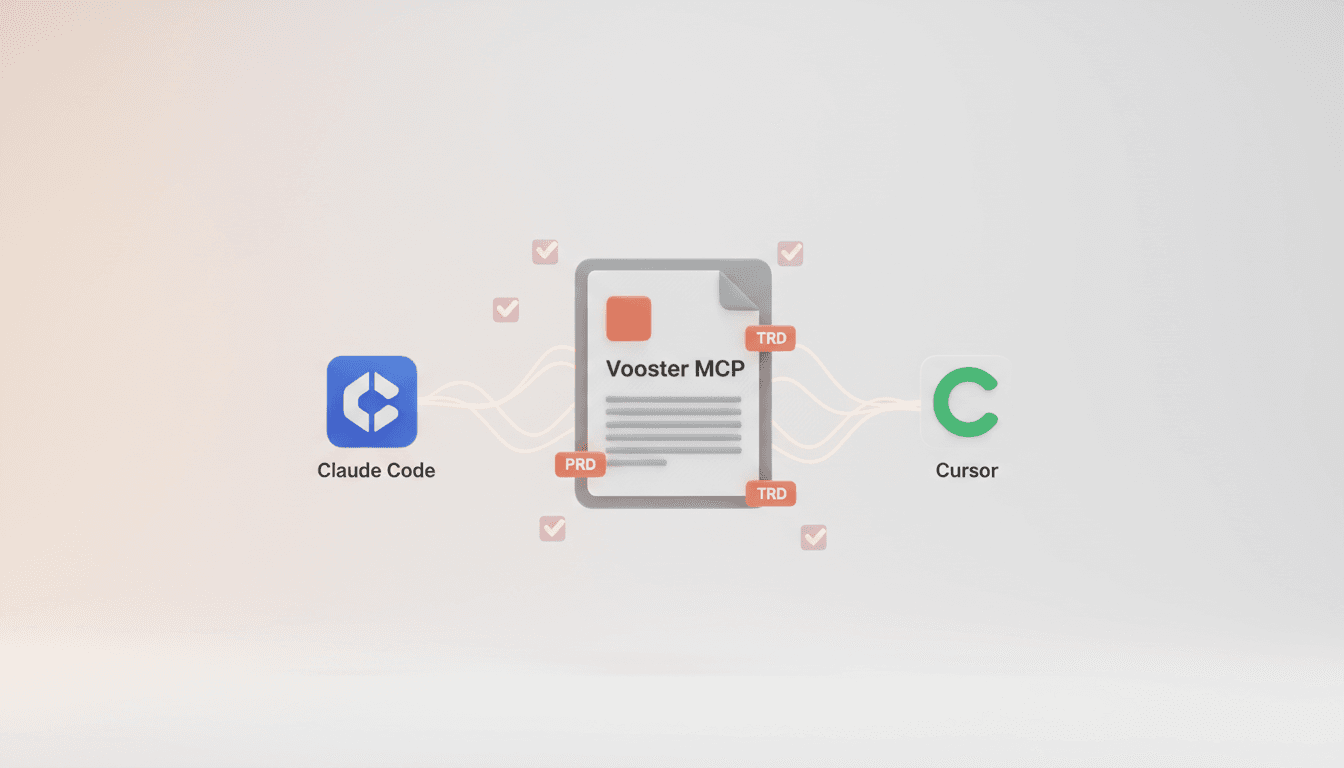
3. Coding Agent Integration via MCP
- Direct integration with AI coding tools like Cursor and Claude Code
- Coding AI directly references PRD, TRD, and code guidelines
- Maintain consistent codebase
4. Task-Based Workflow
- AI automatically creates development tasks and sets priorities
- Developers can focus on work without worrying about what to do next
- Track progress at a glance
Developers in the AI Era Are Conductors
If developers in the past were performers who wrote all code directly, now they must become conductors who lead an AI agent team. Vooster AI is the stage for this orchestra.
Developers with these three competencies—domain understanding, codebase knowledge, and prompt planning—are the true leaders of the AI era. Starting with Vooster AI, you can naturally develop these competencies.
Leave code writing to AI and focus on more essential problem-solving.
Evolve into an AI-era developer with Vooster AI today!
Start Structured Vibe Coding with Vooster
From PRD generation to technical design and task creation - AI helps you every step. Start free today.
PRD Generation
Auto-generate detailed requirements
Technical Design
Implementation plan & architecture
Task Generation
Auto-break down & manage dev tasks
No credit card required · Full access to all features
Related Posts

What is Vibe Coding? The Future of AI-Powered Development in 2025
Discover vibe coding: the revolutionary AI-powered development approach. Learn 3 essential rules, real success stories, and how to build better products faster.
How to Prevent AI from Over-Engineering Your MVP
Learn how to prevent AI from adding unnecessary features like caching, audit logs, and performance optimizations to your MVP projects.
Vooster MCP Setup + Getting Started with Development
How to connect Vooster MCP to Claude Code and Cursor in 5 minutes. Step-by-step guide from @vooster/mcp package setup to API key configuration and implementing your first task.