
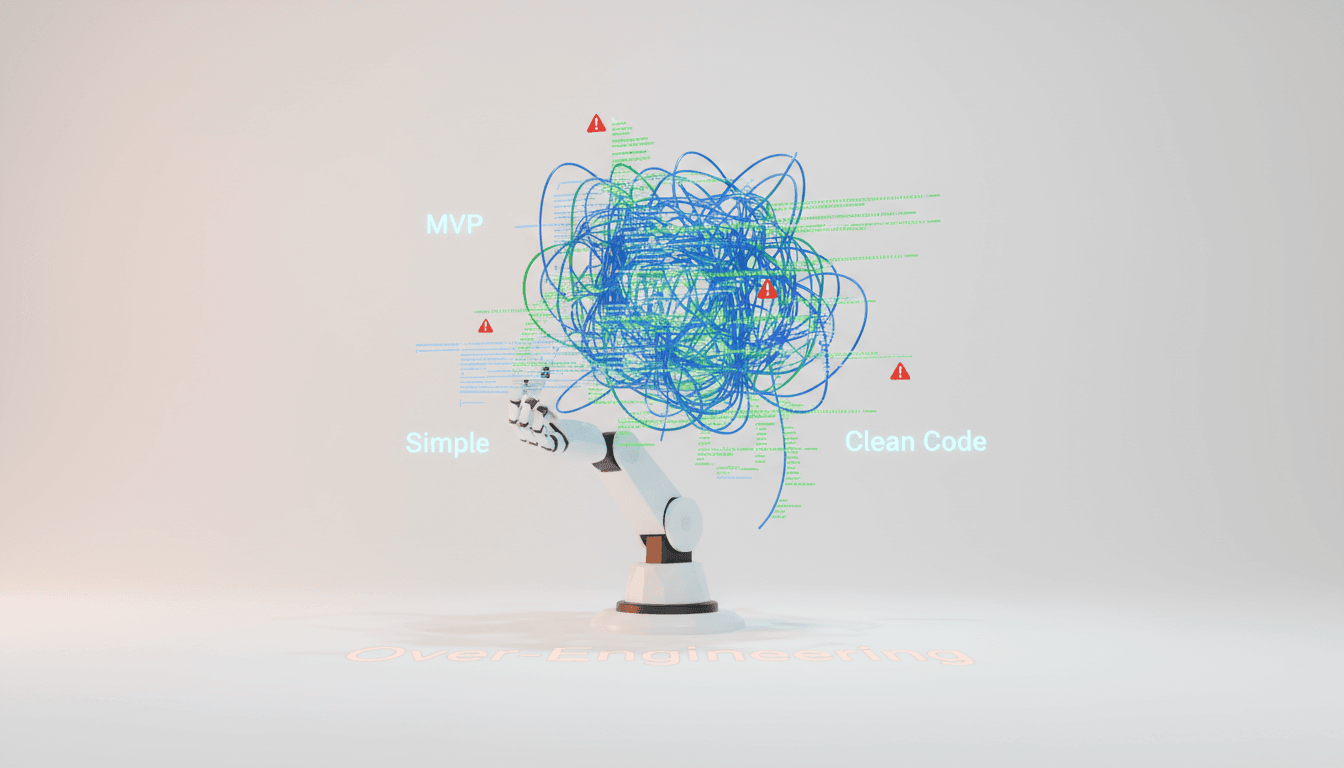
How to Prevent AI from Over-Engineering Your MVP
Learn how to prevent AI from adding unnecessary features like caching, audit logs, and performance optimizations to your MVP projects.
AI's Over-Engineering Instinct: Have You Experienced It?
Have you ever asked an AI coding tool for a "simple login feature," only to receive code that includes OAuth 2.0, JWT refresh token rotation, audit logs, and performance monitoring?
AI fundamentally tries to create "good code." The problem is that in the MVP (Minimum Viable Product) stage, what we need is not "good code" but "code that works quickly." While AI has an instinct to build enterprise-grade systems, what we actually need is a simple prototype that can be validated by 5 users first.
This article explores how to effectively block AI's tendency to add unnecessary complex features to MVPs (commonly referred to as "AI brain freeze") and implement only the truly essential minimum features.
Unnecessary Features AI Frequently Adds

Let's examine the most common over-specification cases found in actual AI-based development.
1. Caching Configuration
"I've added a Redis cache layer for faster responses." - When you don't even have a single user yet. Direct database queries are sufficient in the MVP stage. Caching can be added later once actual traffic occurs and bottlenecks become clear.
2. Audit Log System
"I've created an audit log table to track all user actions." ChatGPT particularly enjoys adding these enterprise features. However, basic error logging is sufficient for an MVP.
3. Performance Optimization Code
Database index optimization, query performance tuning, solving N+1 problems... All of these should be addressed after actual performance issues arise. Performance optimization without users is a waste of time.
4. Rollback Scripts
"I've written automatic rollback scripts in case of deployment failure." Good intention, but manual rollback is sufficient for MVPs. Automation is a concern for after you've scaled.
5. Automated Testing Implementation
Unit tests, integration tests, E2E tests... There comes a moment when test code exceeds actual code. Simple testing of core features is sufficient in the MVP stage. Expand test coverage after the service is validated.
The Cleansing Technique: Using AI to Review AI

The most effective way to determine if an AI-generated design is over-specified is to have another AI review it.
ChatGPT → Gemini Cross-Validation
-
Initial Design with ChatGPT: First, request the full design from ChatGPT.
-
MVP Review with Gemini: Move the generated design to Gemini and request:
Please review this design from an MVP perspective. Keep only the minimum features needed to validate with 5 users, and point out unnecessary over-spec elements item by item. -
Item-by-Item Detailed Analysis: Determine whether each feature is truly necessary for the MVP or can be added later.
-
Request Refined Version: Request the design again with over-specification removed.
Why Cross-Validation Works
Each AI model has different training data and architecture, resulting in different biases. What ChatGPT adds as a "good-looking" feature, Gemini might judge as "unnecessary." Through this multi-angle review, you can retain only truly essential features.
A Realistic Approach to Security

Don't fall for "security must be perfectly implemented from the start." This is the biggest over-specification trap.
Keep It Simple Until You Have 5 Users
We recommend not worrying too much about security (especially privacy) until you have 5 users - just build and share it. Here's why:
- With fewer than 5 users, the impact of security incidents is limited
- Fast validation takes priority over perfect security
- Most MVPs are abandoned before acquiring users
RLS (Row Level Security) Can Wait
Supabase or PostgreSQL's RLS is a powerful security feature, but it only increases complexity in an MVP. Simple server-side permission checks are sufficient initially. You can enable RLS after users increase and the service is validated.
Set Your Priorities
Here's the only security you really need in an MVP:
- Basic input validation (SQL Injection, XSS defense)
- Using HTTPS
- Managing sensitive information with environment variables
Following just these is sufficient for the early stage.
What to Specify in Your Prompts
The best way to prevent AI over-specification upfront is to write clear prompts.
Effective Prompt Example
I want to create an MVP that can be validated by 5 users within 2 weeks.

Requirements:
- Simple design with low bug potential for fastest MVP validation
- Must use these tech stacks: Next.js 14, Supabase, Tailwind CSS
- Exclude caching, audit logs, automated testing, performance optimization
- User authentication uses only Supabase Auth's basic features
- Keep database relationships as simple as possible

Implement only core features: [List 3-5 core features here]
The Importance of Fixing the Tech Stack
It's crucial to "specify that the tech stack must be adhered to." Otherwise, AI will suggest "better" technologies and increase the learning curve. Implementing quickly with familiar technologies is the essence of MVP.
Preventing Over-Specification from the Start with Vooster AI

The best way to prevent AI over-specification is to clearly define MVP scope from the beginning. Vooster AI provides systematic tools for this.
Clean Design with TRD Generation
Vooster AI's TRD (Technical Requirement Document) generation feature ensures:
- MVP-Centered Design: AI PM derives only truly necessary minimum features through conversation
- Fixed Tech Stack: Uses only technologies matching the selected template (EasyNext, FullSaaS)
- Clear Scope Definition: Pre-blocks unnecessary features with "fast launch" as the goal
Deriving Only Minimum Required Entities in ERD
Vooster AI considers the following when generating ERDs:
- Creates only minimum tables needed for core feature implementation
- Defers complex relationships to later stages
- Prioritizes fast implementation over normalization
Consistent Development with MCP Integration
Vooster AI's MCP (Model Context Protocol) integration prevents over-specification even during development:
- Each task has a clearly defined scope, making it difficult for AI to go out of bounds
- Code guidelines are automatically provided to maintain consistent style
- Priority-based task management allows focus on core features
Conclusion: Fast Validation Over Perfection
AI is a powerful tool, but when building an MVP, you must control AI's "perfectionism." Caching, audit logs, performance optimization, automated testing... All of these are good things, but they're unnecessary until you validate that users want your service.
The core is simple:
- Implement only minimum features to validate with 5 users
- Filter out over-specification with AI cross-validation
- Limit AI's scope with clear prompts
- Strengthen security after users increase
The best way to prevent AI over-specification is to clearly define MVP scope from the start. Begin with clean design using Vooster AI's TRD generation and automatic ERD creation. The AI PM derives only truly necessary features through conversation, and MCP integration maintains consistent scope even during development.
Fast launch and user validation - that's the true goal of an MVP. Perfect code can be created after confirming that users want your service.
Start your no-frills MVP with Vooster AI today!
Start Structured Vibe Coding with Vooster
From PRD generation to technical design and task creation - AI helps you every step. Start free today.
PRD Generation
Auto-generate detailed requirements
Technical Design
Implementation plan & architecture
Task Generation
Auto-break down & manage dev tasks
No credit card required · Full access to all features
Related Posts

What is Vibe Coding? The Future of AI-Powered Development in 2025
Discover vibe coding: the revolutionary AI-powered development approach. Learn 3 essential rules, real success stories, and how to build better products faster.
The Real Role of Developers in the AI Era: From Coding to Prompt Planning
AI writes code, but developers guide it. Learn the 3 core skills for AI-era developers: domain understanding, codebase knowledge, and prompt planning.
How to Prevent AI Hallucinations with Step by Step Rule
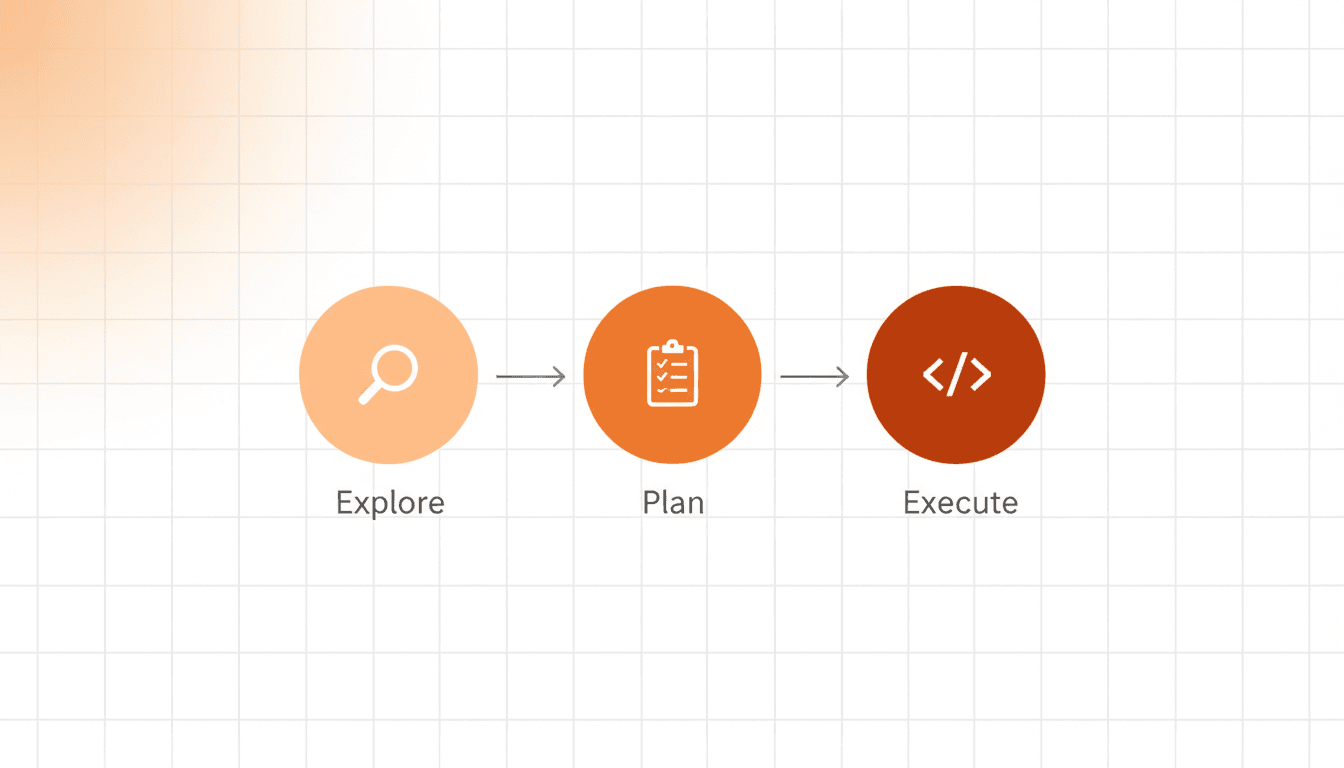
Learn how a 3-step process (Explore → Plan → Execute) prevents AI coding errors and ensures better results with Vooster AI's Step by Step rule.