

How to Launch SaaS in 30 Minutes with Booster Template
Learn how to quickly launch your SaaS using Booster template with Clerk auth, Lemon Squeezy payments, and Supabase database in just 30 minutes.
Introduction
Want to build a SaaS but feeling overwhelmed by complex initial setup? Login systems, payment integration, database configuration... Building all of this from scratch could take not just days, but weeks.
But what if you could complete this entire process in just 30 minutes? With Booster template, it's possible. In this article, we'll walk through how to quickly launch a SaaS with integrated Clerk authentication, Lemon Squeezy payments, and Supabase database, step by step.
Why Templates Matter

Even in the age of Vibe Coding, templates are essential. Starting development without a template is like bringing in an excavator and digging the ground yourself when you want to build a house. Sure, it's possible, but incredibly inefficient.
The efficient approach is to build a solid foundation with a proven code template, then add your own business logic and features on top of it using Vibe Coding.
Key Benefits of Using Templates
1. Stability in Critical Features
If bugs occur in core features like login functionality, your entire service can break. Templates provide proven code that has been thoroughly tested, significantly reducing the risk of issues in basic functionality.
2. Reduced Development Time
Save time on complex initial setup and basic feature implementation. Invest that time in creating actual business value instead.
3. No Expert Knowledge Required
Build production-level SaaS without deep understanding of complex technologies like authentication, payments, and database integration.
Choosing a Proven Tech Stack
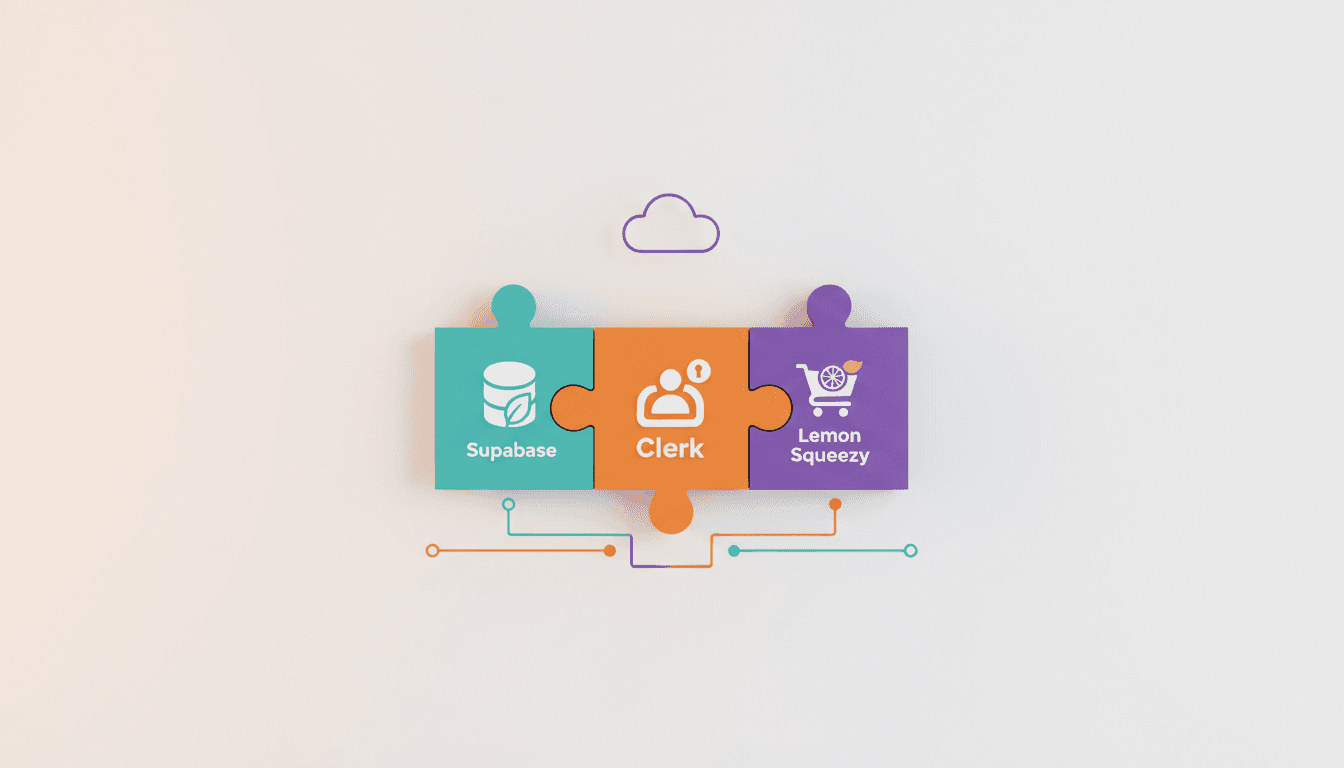
Booster template uses a proven tech stack. Let's explore why each technology was chosen.
Why Clerk
Clerk vs Supabase Auth
Using Supabase auth requires mandatory use of the Supabase SDK. The problem is that the SDK's internal logic is hidden and unintuitive. Clerk, on the other hand, has clear and stable internal logic, and most importantly, beautiful design. It's the best choice considering both user experience and developer experience.
Why Supabase
Supabase vs Firestore
Firebase is a non-relational database (NoSQL). Since most SaaS applications are composed of relational data, using a relational database is much more natural. Supabase is built on the powerful Postgres database, allowing you to leverage both type safety and the power of SQL.
Why Lemon Squeezy
Lemon Squeezy easily supports international payments and handles complex subscription logic for you. For example, it automatically processes complex logic like allowing users to continue using the service until their paid period ends even after canceling their subscription.
Implementation Steps
Now let's walk through the actual process of launching a SaaS step by step.
Step 1: Create Project in Booster
First, create a project in Booster and refine your plan. Using the AI PRD wizard, you can generate a systematic PRD simply by answering a few questions.
Step 2: Connect Booster MCP
Connect Booster MCP to Cursor or other AI coding tools. This allows you to directly check and utilize tasks during development.
Step 3: Initialize Project with CLI
First, install the Vooster CLI:
npm i -g @vooster/cli
Then initialize your project:
vooster init
This single command generates the entire project structure. It's organized as a monorepo:
- apps/www: Landing page
- apps/app: SaaS main page (dashboard)
Managed in a single codebase while deployed separately to different domains.
Step 4: Install Dependencies and Run
pnpm install
pnpm dev
Step 5: Connect Supabase
- Create Supabase project
- Set environment variables (
.env.local) - Run DB migration
pnpm db:push
Step 6: Connect Clerk
- Create Clerk application
- Set environment variables
- Configure webhooks (for database sync on user create/update)
Step 7: Connect Lemon Squeezy
- Create Lemon Squeezy store
- Set up products and pricing plans
- Configure webhooks (for database sync on subscription status changes)
- Set environment variables
Step 8: Deploy to Vercel
- Create GitHub repository and push code
- Connect project in Vercel
- Set environment variables
- Deployment complete
You can complete this entire process in just 30 minutes!
Development with AI

Even while using Booster template, you can fully leverage the power of Vibe Coding. Looking at actual development ratios:
- 75%: Vibe Coding (AI writes code)
- 25%: Manual coding (defining requirements and detailed decisions)
How to Effectively Use AI
AI can code well, but you need to know how to use it well to increase productivity. Here's the key:
What Developers Should Do
- Define requirements
- Decide implementation details
- Set architectural direction
What to Delegate to AI
- Actual code writing
- Repetitive boilerplate code
- Basic test code
With this division of roles, developers can focus on core business logic and user experience, while AI writes code quickly and accurately.
Conclusion
Booster template significantly lowers the barrier to SaaS launch. Instead of wasting time on complex initial setup and basic feature implementation, you can start developing business logic immediately on top of a proven template.
Starting with Clerk authentication, Lemon Squeezy payments, and Supabase database already integrated, you can focus solely on creating your unique value.
Templates are just the starting point. Build your foundation quickly with Booster template, then realize your own ideas with Vibe Coding. 30 minutes is all you need.
Note: The FullSaaS template featured in this article is only available with the Max plan. Vooster AI is continuously adding new features and templates, and pricing is gradually increasing as a result. Sign up now to lock in the current price and enjoy all the benefits.
Start your systematic vibe coding journey with Vooster AI today!
Watch the Related Video
Watch this video to see the content of this article in more detail. It's a live demonstration of the entire process of building a SaaS using the Booster template.
Start Structured Vibe Coding with Vooster
From PRD generation to technical design and task creation - AI helps you every step. Start free today.
PRD Generation
Auto-generate detailed requirements
Technical Design
Implementation plan & architecture
Task Generation
Auto-break down & manage dev tasks
No credit card required · Full access to all features
Related Posts
What is Vibe Coding? The Future of AI-Powered Development in 2025
Discover vibe coding: the revolutionary AI-powered development approach. Learn 3 essential rules, real success stories, and how to build better products faster.
Vibe Coding AI Model Selection Guide - When Should You Use Which Model?
Learn when to use premium AI models like Opus for critical tasks like database schema design, and how to optimize AI model selection for better results.
Building a Service Foundation in 1 Hour - Real-World Vibe Coding
Learn how proper architecture and AI-powered planning can help you build a complete service foundation in just 60 minutes with vibe coding.