
Vibe Coding AI Model Selection Guide - When Should You Use Which Model?
Learn when to use premium AI models like Opus for critical tasks like database schema design, and how to optimize AI model selection for better results.
Not Every Task Needs the Premium AI Model
"This task is critical, so we're using the Opus model."
If you've been using AI coding tools, you've probably faced this dilemma: "Should I use Opus for a simple CRUD API?" "Is it worth using an expensive model for a single utility function?"
These are practical questions. Premium AI models like GPT-4, Claude Opus, and Gemini Pro are powerful, but they come at a cost. Using the top-tier model for every task is like driving a sports car to the convenience store.
But some tasks absolutely require the best model.
Database schema design is a prime example. A poorly designed schema can haunt you for the entire project lifecycle. Changing table structures means rewriting APIs, frontend logic, and even business logic. As your project grows, refactoring costs increase exponentially.
Architecture decisions are equally critical. Will you go with a monolith or microservices? How will you handle state management? How will you structure your authentication system? These decisions shape the entire direction of your project.
The key is knowing when to use premium models. In this article, we'll explore how to effectively leverage premium AI models through a real-world database design example.
Tasks That Require Premium AI Models
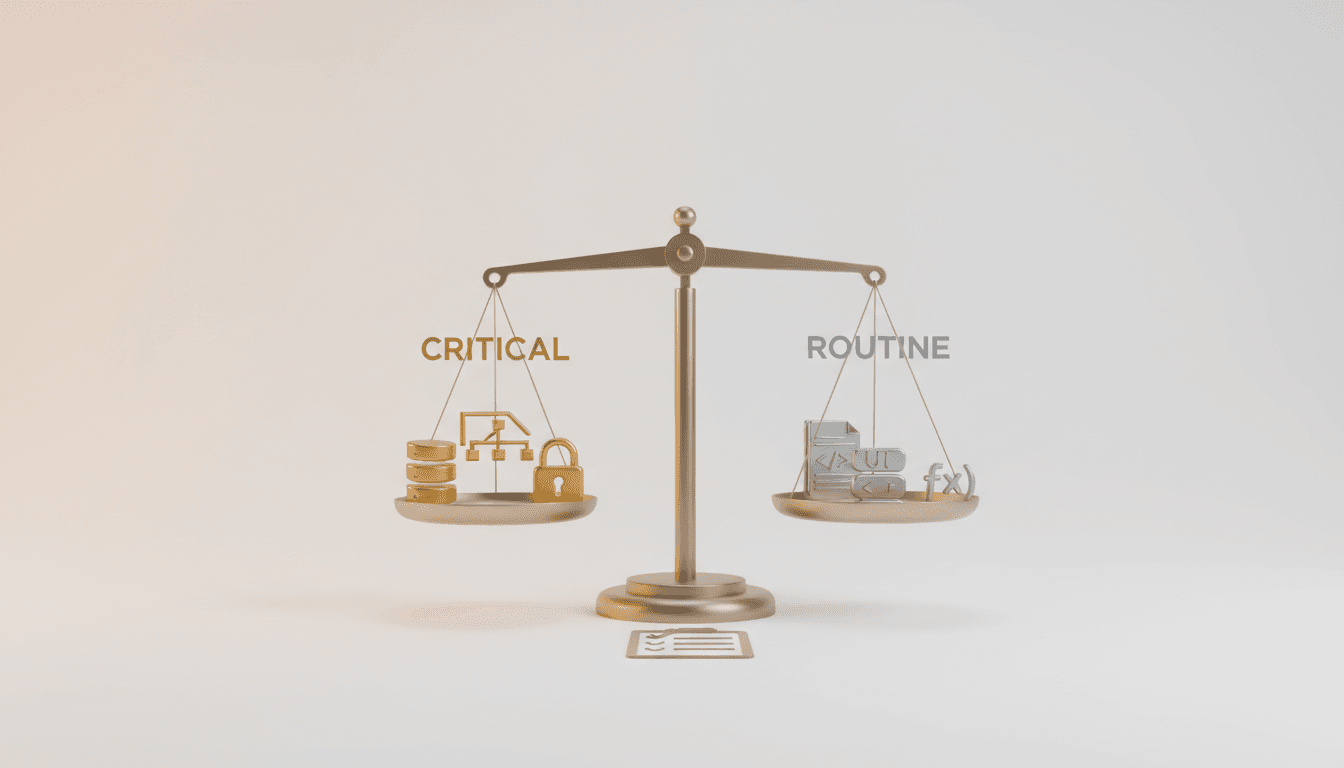
Not all development tasks carry equal weight. Some can be easily changed later, while others are difficult to reverse once decided.
Tasks Requiring Premium Models
1. Database Schema Design
The database is the backbone of your application. Schema design goes far beyond just defining tables and columns:
- Data Integrity: Foreign key relationships, constraints, index strategies
- Scalability: Flexible structures considering future features
- Normalization vs Denormalization: Balancing performance and data consistency
- Migration Strategy: Handling existing data when schema changes
Simple schemas can be handled by GPT-3.5 or Gemini Flash. But schemas with complex business logic are different. Premium models like Opus or GPT-4 consider:
- Understanding the entire data flow to suggest optimal table structures
- Deriving minimum essential entities for MVP launch
- Extensible design considering future features
2. Architecture Decisions
System architecture is the hardest part to change:
- Monolith vs Microservices
- Server vs Serverless
- SQL vs NoSQL
- RESTful vs GraphQL vs tRPC
Poor architecture choices slow development, complicate maintenance, and limit scalability. Premium models comprehensively consider project scale, team composition, and expected traffic to suggest optimal architecture.
3. Complex Business Logic Design
Complex business logic like payment systems, permission management, and workflow engines must consider security, performance, and exception handling. Simple models handle main cases only, but premium models account for edge cases and security vulnerabilities.
Tasks Where General Models Suffice
Conversely, these tasks work fine with lighter models:
- Simple CRUD API Generation: Repetitive tasks with clear patterns
- UI Component Coding: Work following existing design systems
- Utility Functions: Simple logic with clear inputs/outputs
- Test Code Writing: When specifications are already defined
These tasks can be adequately handled by GPT-3.5, Gemini Flash, or free AI models. Considering cost-effectiveness, using premium models for these tasks might actually be wasteful.
The key is balance. Premium models for critical design, general models for repetitive implementation. This maintains project quality while saving costs.
Practical Database Design Process
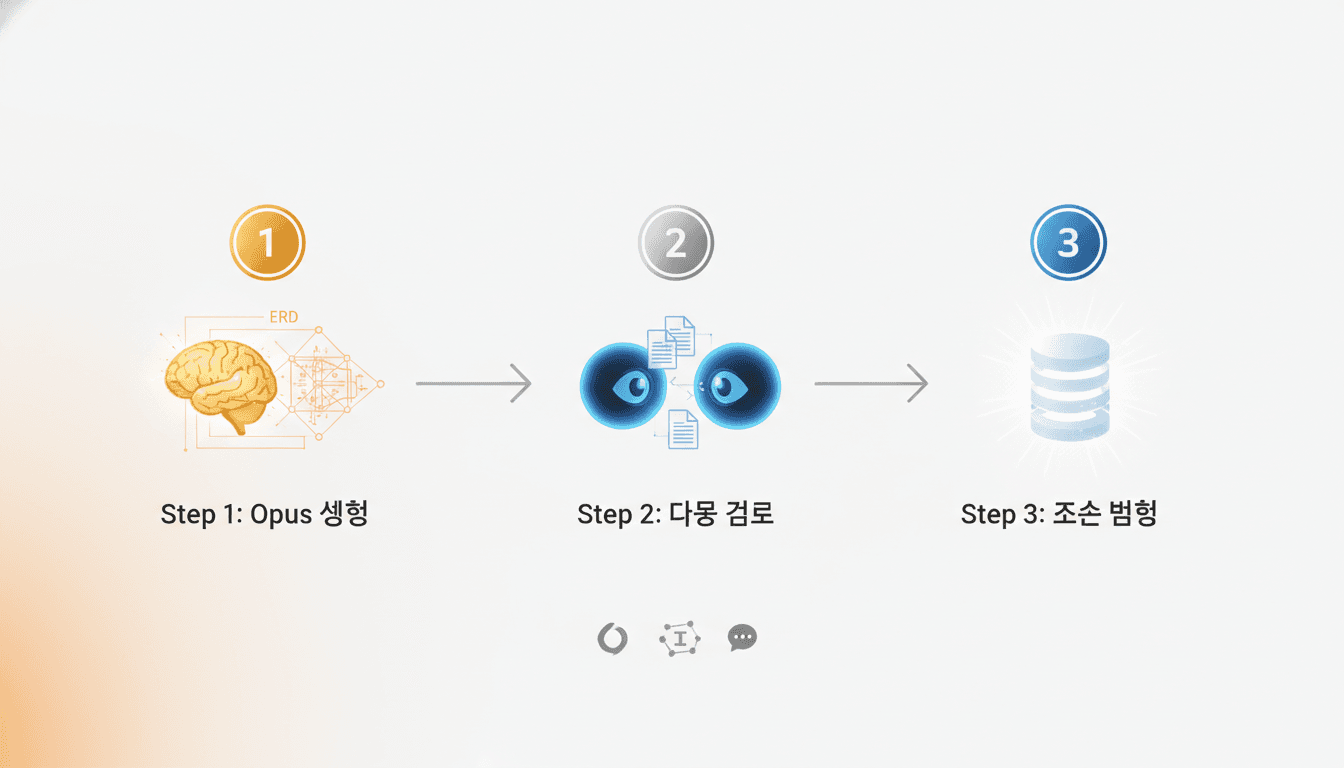
Theory is enough. Let's see how it works in practice. We'll examine the step-by-step process demonstrated in a live vibe coding session.
Step 1: Generate Data Flow and Schema with Opus
The first step is giving clear instructions to AI. Not vague requests, but concrete context:
Example Prompt:

Switch to agent mode and plan the entire project data flow in detail,
then generate a database schema in an erd.md file.

Project Context:
- Service Name: [Service Name]
- Core Features: [Feature List]
- User Types: [Regular Users, Admins, etc.]
- Main Data Flow: [Login → Dashboard → Task Creation → Completion]

Requirements:
1. Include only minimum essential entities for MVP launch
2. Extensible structure for future growth
3. Clearly define relationships between entities
4. Visualize with Mermaid diagram
When Opus receives this instruction, it:
- Analyzes the entire data flow
- Derives core entities and defines fields for each
- Sets relationships (1:1, 1:N, N:M)
- Generates Mermaid ERD diagrams
- Documents the purpose and design intent of each table
Opening the generated erd.md file automatically renders the Mermaid chart. You can visually confirm the entire schema structure.
Step 2: Review with Other AI (Cleansing)
Is the Opus-generated result perfect? No. It needs additional validation. Here we use a multi-model verification strategy.
Review with Gemini:
Take the generated schema to Gemini and request:
Please review this database schema.

Review Perspective:
- Is this the minimum spec for MVP launch?
- Are there unnecessarily complex structures?
- Is this a practical design focused on quick launch?
- What entities or fields can be removed?
Gemini focuses on practicality and simplicity in its review. It provides feedback like "This field can be added later" or "This relationship is unnecessary in the initial version."
Double Verification with ChatGPT:
Input the same prompt into ChatGPT. Why review with two AIs?
- Different Perspectives: Each model has slightly different priorities
- Find Blind Spots: One model may catch issues another misses
- Balanced Decisions: Common opinions from both models have higher reliability
In practice, Gemini tends to focus on "minimization" while ChatGPT focuses on "stability." Synthesizing both opinions yields a practical yet stable schema.
Step 3: Apply Review Results
Now modify the schema based on received feedback:
Example Prompt:

Please modify the database schema reflecting Gemini's review results.

Key Changes:
- [Change 1 suggested by Gemini]
- [Change 2 suggested by Gemini]
- [Change suggested by ChatGPT]

Update and save the modified schema in the erd.md file.
This process results in:
- Removing Unnecessary Complexity: Delete tables and fields not needed for MVP
- Performance Optimization: Improved index strategies
- Ensuring Scalability: Leave room for future features
Real Case:
In one project, Opus designed a user permission system with 5 tables. After Gemini review, we concluded 2 tables were sufficient for MVP. The remaining 3 were scheduled for later. This shortened development time by 2 weeks.
Importance of Direct Rule References
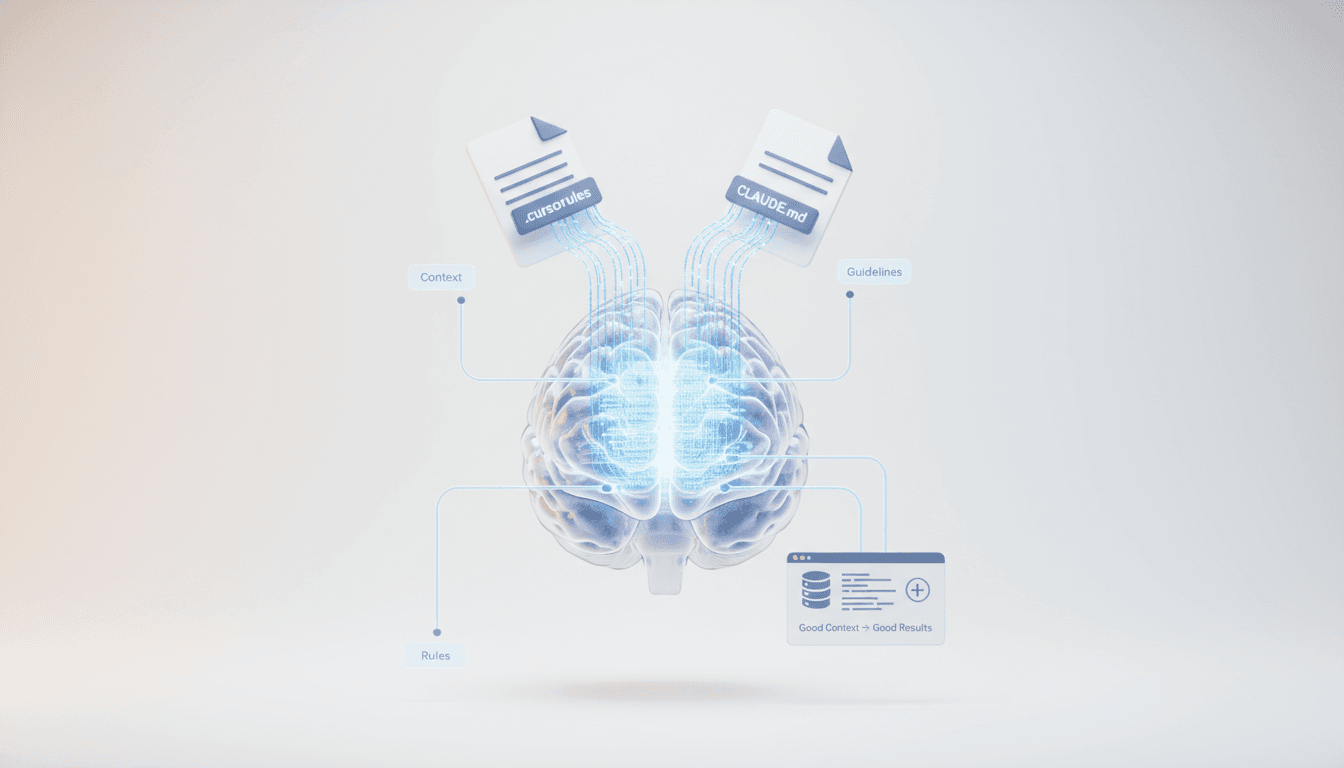
Using a premium model doesn't automatically produce good results. You must provide sufficient context to the AI.
Cursor Rules May Not Be Auto-Referenced
When using Cursor or other AI coding tools, you define project rules in a .cursorrules file:
// .cursorrules example
Database: PostgreSQL
ORM: Prisma
Naming Convention: snake_case
Index Strategy: Add indexes to frequently queried columns
The problem is AI doesn't always automatically reference these rules. Especially for complex tasks, AI may rely on general best practices.
Explicitly Mention Rules for Critical Tasks
For important tasks like database schemas, explicitly request rule reference:
Example Prompt:

Generate database schema referencing rules from .cursorrules file.

Strictly comply with:
- Use snake_case for table and column names
- Use UUID as primary key
- Auto-add created_at, updated_at timestamp fields
- Include deleted_at field for soft delete
This ensures:
- Consistency: Schema aligned with overall project rules
- Compatibility: Smooth integration with existing codebase
- Standardization: Maintain team coding style
Leverage Project-Specific CLAUDE.md
Go further by creating a CLAUDE.md file in the project root to provide AI-specific guidance:
# CLAUDE.md

## Database Design Guide

### Required
- UUID primary key for all tables
- Use soft delete pattern
- Auto-manage timestamps

### Recommended
- Prioritize normalization, denormalize only when performance demands
- Use PostgreSQL jsonb type for JSON columns
- Explicitly define relationships with foreign keys

### Prohibited
- No integer primary keys
- No cascade delete (use soft delete)
When starting critical tasks:
Generate schema referencing the database design guide in CLAUDE.md.
With explicit requests like this, AI precisely follows project-specific rules.
Context Determines Results
Even with the same Opus model:
- Without Context: Generates generic schema
- With Context: Generates project-optimized custom schema
The true power of premium models emerges when you provide sufficient context.
Systematic AI Model Utilization with Vooster AI
Now for the practical application. Vooster AI helps you systematically choose AI models and design databases.
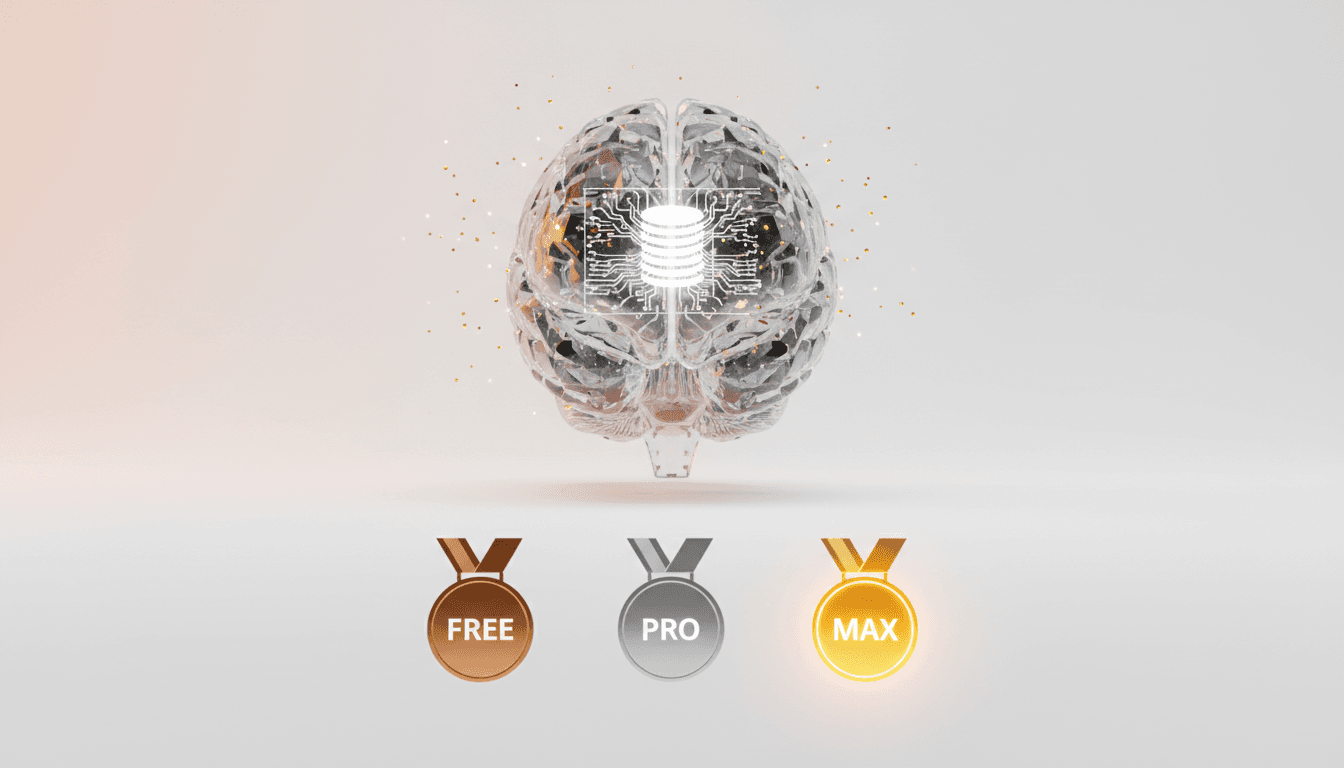
AI Model Selection Options (FREE/PRO/MAX)
Vooster AI offers three AI model tiers based on task importance:
FREE Model:
- Fast, lightweight models like Gemini Flash
- Simple task creation, basic document updates
- No credit consumption
PRO Model:
- GPT-4 mini, Claude Sonnet level
- General PRD generation, task breakdown
- Reasonable credit cost (10-15 credits)
MAX Model:
- Top-tier models like Claude Opus 4.5, GPT-4
- Database ERD generation (Credits: 20)
- Architecture design, complex technical specifications
- Tasks requiring critical decisions
When starting a project, select the model tier, and appropriate models are automatically assigned to each task.
Automatic ERD Generation
Conversing with Vooster AI's AI PM agent automatically generates ERDs:
- Collect Project Info: Service description, core features, user types
- Analyze Data Flow: Technical Architect AI grasps overall flow
- Auto-Generate ERD: Create optimal schema with MAX model (Opus)
- Mermaid Visualization: View ERD diagrams directly in documents
Generated ERDs are saved in erd.md documents and visualized immediately in the Vooster AI dashboard.
Interactive Editing with Document-Specific AI Chat
Don't like the generated ERD? Use the document-specific AI chat feature for immediate modifications:
Chat Example:

User: Simplify the user permission table.
      For MVP, we only need admin and user roles.

AI: Understood. I'll simplify by removing the Role table and
    adding a role enum field to the User table.
    [ERD Updated]

User: Great. Also add fields for email verification.

AI: Added verified_at timestamp and verification_token
    to the User table. [ERD Updated]
You can improve the schema conversationally. AI immediately reflects changes and updates the document.
Reference ERD During Development with MCP Integration
Vooster AI integrates with AI coding tools like Cursor and Claude Code via MCP (Model Context Protocol):
// While developing in Cursor
"Generate Prisma schema referencing the ERD document from Vooster AI"
The AI coding tool automatically fetches the ERD from Vooster AI and converts it to a Prisma schema. Design and implementation are perfectly synchronized.
Vooster AI Advantages:
- Critical tasks (ERD) automatically use MAX model
- General tasks (task updates) use FREE/PRO models to save costs
- All documents connected as project context for consistency
- MCP seamlessly links design and coding
Conclusion: Choose AI Models Strategically
A poorly designed database schema means rebuilding everything later. Using cheap models for critical design may seem to save costs short-term, but incurs much greater costs long-term.
Conversely, using premium models for every task is wasteful. You don't need Opus to create a simple CRUD function.
Choose AI models strategically:
-
Critical Design: Database, architecture, security → MAX models (Opus, GPT-4)
-
General Development: PRD, task breakdown, documentation → PRO models (Sonnet, GPT-4 mini)
-
Repetitive Tasks: CRUD generation, simple functions → FREE models (Gemini Flash)
-
Multi-Model Verification: Review critical results with another AI
-
Explicit Context Provision: Instruct direct reference to rule files
Vooster AI automates this entire process:
- Automatically select appropriate AI model based on task importance
- Generate critical documents like ERD with MAX model
- Interactive editing with document-specific AI chat
- Seamless connection between design and coding via MCP
Use Vooster AI's MAX model for critical design. When you build a solid foundation for your project, the rest of development naturally follows.
Good code starts with good design. Start your systematic vibe coding journey with Vooster AI today →
Start Structured Vibe Coding with Vooster
From PRD generation to technical design and task creation - AI helps you every step. Start free today.
PRD Generation
Auto-generate detailed requirements
Technical Design
Implementation plan & architecture
Task Generation
Auto-break down & manage dev tasks
No credit card required · Full access to all features
Related Posts
Building a Service Foundation in 1 Hour - Real-World Vibe Coding
Learn how proper architecture and AI-powered planning can help you build a complete service foundation in just 60 minutes with vibe coding.
What is Vibe Coding? The Future of AI-Powered Development in 2025
Discover vibe coding: the revolutionary AI-powered development approach. Learn 3 essential rules, real success stories, and how to build better products faster.
The Real Trap of Vibe Coding - It's Not About Coding, It's About Planning
Why your AI coding projects fail: Learn why proper planning and PRD creation are more important than coding skills in vibe coding success.