

Top 5 Vibe Coding Tools for Developers in 2025
Discover the best AI-powered vibe coding tools including Claude Code, Cursor, Lovable, Stitch, and Vooster to boost your development productivity.
Introduction
Are you tired of context-switching between planning, coding, designing, and managing your projects? The rise of AI-powered development tools has ushered in a new era of "vibe coding"—where developers can stay in their flow state while AI handles the heavy lifting. Instead of breaking your concentration to look up documentation, write boilerplate code, or manage tasks, you can now collaborate with AI assistants that understand your intent and execute accordingly.
In this article, we'll explore five cutting-edge vibe coding tools that are transforming how developers work in 2025. From intelligent code editors to AI-powered project managers, these tools will help you code faster, smarter, and with less friction.
1. Claude Code: Your AI Coding Companion in the Terminal
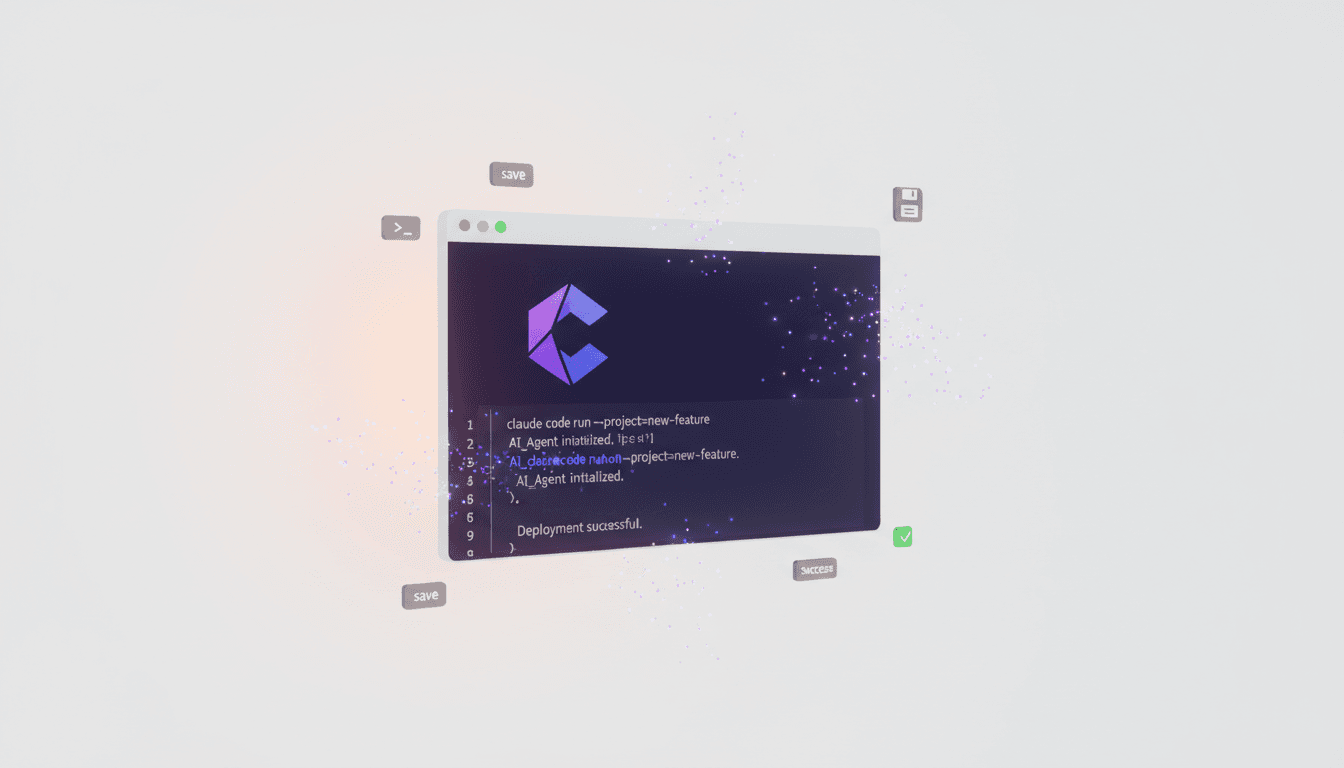
Claude Code is Anthropic's official CLI tool that brings the power of Claude AI directly to your terminal. It's designed for developers who prefer command-line workflows and want AI assistance without leaving their development environment.
Key Features
- Context-Aware Assistance: Claude Code understands your entire codebase and can provide suggestions based on your project structure, dependencies, and coding patterns.
- Multi-File Editing: Unlike simple code completion tools, Claude Code can refactor across multiple files, ensuring consistency throughout your project.
- Natural Language Commands: Describe what you want to build in plain English, and Claude Code will generate the implementation, complete with proper error handling and best practices.
- Built-in Testing: Claude Code can write unit tests, integration tests, and even suggest edge cases you might have missed.
Why Developers Love It
The beauty of Claude Code lies in its ability to handle complex, multi-step workflows. Need to add a new API endpoint with authentication, validation, and database integration? Simply describe your requirements, and Claude Code will scaffold the entire feature while following your project's conventions. It's like pair programming with an expert who never gets tired.
For vibe coding, Claude Code excels at maintaining your flow. You stay in the terminal, describe your intent, and watch as the AI implements your vision. No more switching between your editor, Stack Overflow, and documentation sites.
2. Cursor & Lovable: AI-Native Development Environments

Cursor: The AI-First Code Editor
Cursor is a fork of VS Code that's rebuilt from the ground up with AI at its core. It's not just "VS Code with Copilot"—it's a fundamentally different editing experience.
What Makes Cursor Special:
- Inline AI Chat: Ask questions about your code without leaving the file you're editing. Cursor understands the context of what you're working on.
- Command K: Press Cmd+K to describe changes, and Cursor will make them across your entire file or project.
- Predictive Edits: Cursor learns your coding style and can suggest entire refactorings before you even ask.
- Debugging Assistant: Stuck on an error? Cursor can analyze stack traces, identify root causes, and suggest fixes.
Lovable: Build Web Apps with Natural Language
Lovable takes vibe coding to the next level by letting you build entire web applications through conversation. Describe your app idea, and Lovable generates a working prototype with modern tech stacks (React, TypeScript, Tailwind).
Key Capabilities:
- Instant Prototyping: Go from concept to clickable prototype in minutes, not hours.
- Iterative Refinement: Make changes by describing them: "Make the button bigger," "Add a dark mode toggle," "Connect this to a database."
- Production-Ready Code: Unlike no-code tools, Lovable generates clean, maintainable code you can export and customize.
- Design Integration: Lovable understands design principles and creates visually appealing interfaces without explicit styling instructions.
Why Use Cursor and Lovable Together
Cursor is perfect for detailed implementation work and refining existing codebases, while Lovable excels at rapid prototyping and MVP development. Together, they cover the full spectrum of the development lifecycle. Start with Lovable to validate your idea quickly, then switch to Cursor for production-ready refinement.
3. Stitch & Vooster: Complete Your Development Workflow

Stitch: AI-Powered Design and Prototyping
Stitch bridges the gap between design and development by using AI to create interactive prototypes and design systems.
Core Features:
- Natural Language Design: Describe your UI, and Stitch generates high-fidelity mockups with proper spacing, typography, and color schemes.
- Component Libraries: Automatically extract reusable components from your designs and generate corresponding React/Vue code.
- Design-to-Code: Export designs as production-ready code with proper semantic HTML and accessibility features.
- Collaboration: Share interactive prototypes with stakeholders and gather feedback before writing a single line of code.
Perfect for Vibe Coding: Stitch eliminates the back-and-forth between designers and developers. As a developer, you can quickly prototype UI ideas, validate them with users, and then implement them—all while maintaining your creative flow.
Vooster: Your AI Product Manager
Vooster AI is the ultimate tool for developers who want to focus on building rather than managing. It acts as your AI Product Manager, handling the planning and organization so you can stay in the zone.
What Vooster Does:
- AI PRD Wizard: Answer a few questions, and Vooster generates comprehensive Product Requirements Documents that capture your vision.
- Automatic Task Breakdown: Vooster analyzes your PRD and creates a prioritized list of development tasks, complete with acceptance criteria.
- MCP Integration: Vooster integrates directly with Cursor and other AI coding tools via the Model Context Protocol, giving your AI assistant access to project tasks and requirements.
- Real-Time Updates: As you complete tasks, Vooster tracks progress and suggests next steps to keep momentum going.
The Vibe Coding Advantage: With Vooster, you never have to break your flow to figure out "what should I build next?" The AI handles product thinking, task prioritization, and context management. You just code, and Vooster ensures you're always working on the most impactful features.
Why Stitch and Vooster Complete the Stack
Development isn't just about writing code—it's about designing great user experiences and managing complex projects. Stitch handles the design phase, Vooster manages the planning and execution, and together they ensure you can maintain your vibe coding flow from conception to deployment.
Conclusion
The future of development isn't about replacing developers with AI—it's about empowering developers to work at the speed of thought. These five tools represent the cutting edge of vibe coding:
- Claude Code for intelligent terminal-based development
- Cursor for AI-native code editing
- Lovable for rapid web app prototyping
- Stitch for seamless design-to-code workflows
- Vooster for AI-powered project management
Each tool eliminates friction in the development process, letting you stay focused on creative problem-solving rather than mechanical implementation. When used together, they create a complete vibe coding environment where ideas flow directly into production-ready applications.
Ready to transform your development workflow? Start with Vooster AI to organize your next project, then leverage these other tools to bring your vision to life. With AI handling the planning, scaffolding, and boilerplate, you can focus on what you do best: building amazing software.
Visit Vooster AI today and experience the future of vibe coding!
Start Structured Vibe Coding with Vooster
From PRD generation to technical design and task creation - AI helps you every step. Start free today.
PRD Generation
Auto-generate detailed requirements
Technical Design
Implementation plan & architecture
Task Generation
Auto-break down & manage dev tasks
No credit card required · Full access to all features
Related Posts
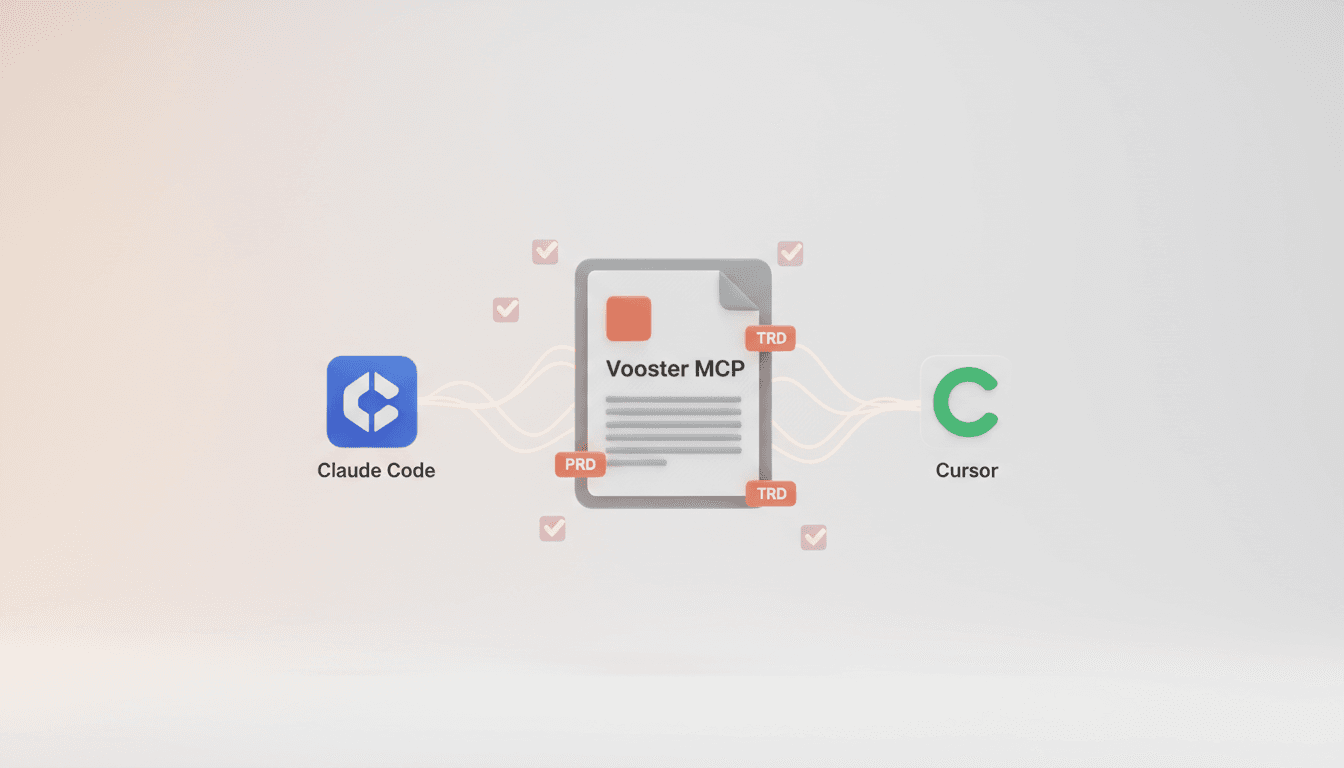
Vooster MCP Setup + Getting Started with Development
How to connect Vooster MCP to Claude Code and Cursor in 5 minutes. Step-by-step guide from @vooster/mcp package setup to API key configuration and implementing your first task.
5 Ways to Prevent Bugs in Your Vibe Coded Apps
Learn proven strategies to prevent bugs in AI-generated code. From clear PRDs to test-driven development, discover how to maintain quality in vibe coding projects.
AI Coding Tools: Complete Beginner's Guide to Building Your First App
Step-by-step guide to building a complete app with AI coding tools like Claude Code and Cursor. Perfect for beginners wanting to start their first project.