

The Fastest Way to Vibe Design Your App with AI
Learn how to create beautiful app designs with AI. From collecting references to building design systems, discover the fastest way to vibe design.
Introduction
AI has revolutionized coding—tools like GitHub Copilot and Claude can generate entire features in minutes. But when it comes to design, many developers still hit a wall. You can't just tell AI to "make it pretty" and expect stunning results.
The truth is, AI can design beautifully—but only if you give it the right direction. Just like how AI needs a clear PRD to build good code, it needs a clear design direction to create beautiful UIs. This is where vibe design comes in: the art of giving AI the design guidance it needs to create exactly what you envision.
In this article, we'll explore the fastest way to vibe design your app with AI, from collecting references to building complete design systems.
Collect References: Show AI What "Beautiful" Means

The first step to successful vibe design is showing AI what you mean by "beautiful." Instead of vague instructions like "make it modern," collect concrete references.
Why references matter:
- AI learns better from examples than abstract descriptions
- References establish a shared visual vocabulary
- They help you discover patterns in what you like
Where to find inspiration:
- Dribbble & Behance: For cutting-edge UI/UX trends
- Land-book: For landing page inspiration
- Mobbin: For mobile app designs
- Similar products: Study competitors and adjacent products
What to collect:
- Screenshots of layouts you like
- Color schemes that resonate
- Typography combinations that feel right
- Component styles (buttons, cards, forms)
Pro tip: Create a mood board with 5-10 reference images. This gives AI enough context to understand your design direction without overwhelming it with conflicting styles.
Define Your Design System: The Foundation of Consistency
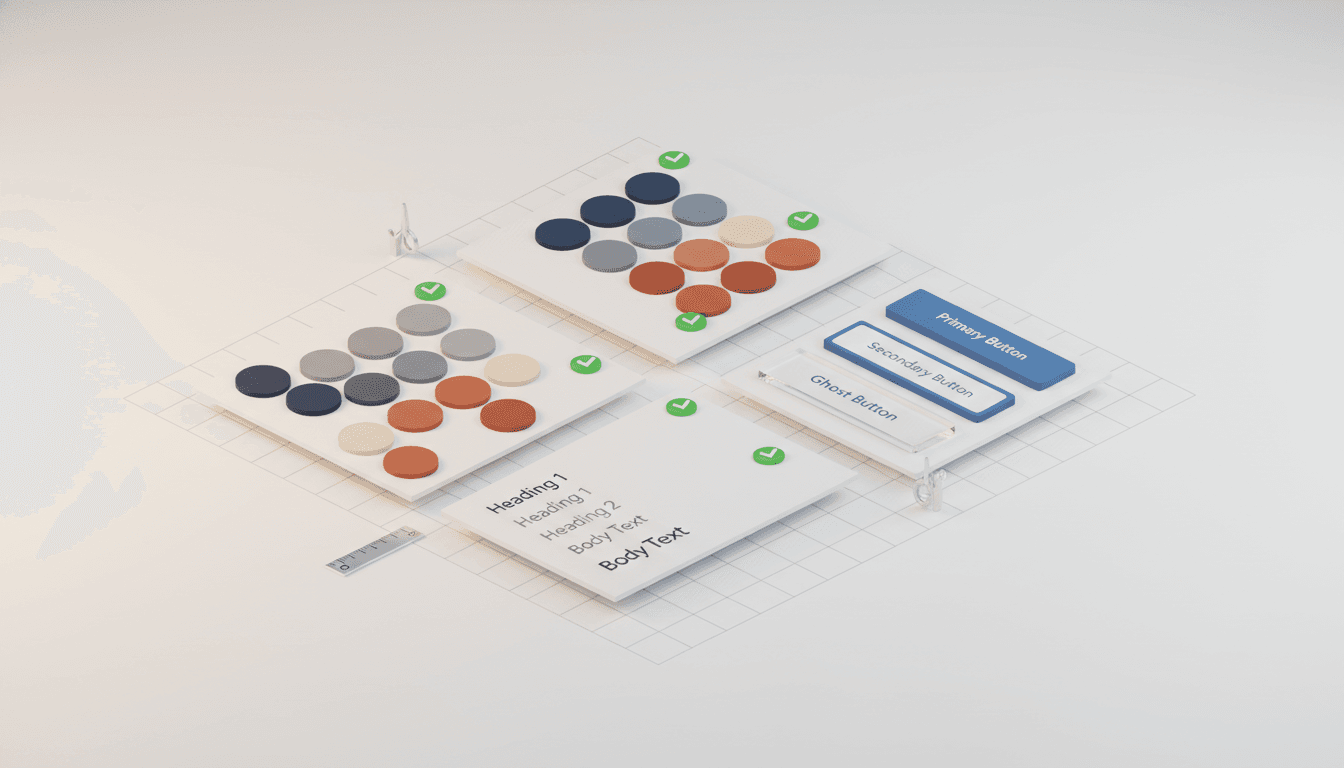
Once you have references, the next step is defining your design system. This is the secret to getting consistent, professional-looking results from AI.
Core elements of a design system:
1. Color Palette
- Primary color (brand color)
- Secondary colors (accents)
- Neutral scale (grays, blacks)
- Semantic colors (success, error, warning)
2. Typography
- Font families (usually 1-2 maximum)
- Type scale (heading sizes, body text)
- Font weights and line heights
- Responsive text sizing
3. Spacing System
- Base unit (usually 4px or 8px)
- Spacing scale (4, 8, 16, 24, 32, 48, 64...)
- Consistent padding and margins
4. Component Library
- Button variants (primary, secondary, ghost)
- Input styles
- Card styles
- Navigation patterns
With a defined design system, you can give AI prompts like: "Create a hero section using our primary color (#FF6B35), Heading 1 style (Inter Bold 48px), and 24px spacing between elements." The AI now has precise constraints to work within.
Leverage existing component libraries: Instead of building from scratch, use battle-tested libraries like shadcn-ui, Chakra UI, or Material UI. These come with pre-built design systems that you can customize. AI is already trained on these libraries, making it easier to generate compliant code.
Map Information Architecture: Structure Before Aesthetics

Before diving into visual design, map out your information architecture (IA). This defines what goes where and creates the skeleton of your interface.
What is Information Architecture? IA is the structural design of your app—how information is organized, labeled, and navigated. Think of it as the blueprint before construction.
Steps to create IA:
1. Define core user flows
- What's the primary action users take?
- What's the path from landing to conversion?
- What secondary features support the main flow?
2. List required screens/sections
- Landing page
- Dashboard
- Settings
- Feature pages
3. For each screen, define:
- Main sections (header, hero, features, footer)
- Content hierarchy (what's most important?)
- Call-to-action placements
4. Create a simple wireframe Use boxes and labels to show structure without getting into visual design yet. This can be a simple sketch or a digital wireframe.
Why IA matters for AI: When you prompt AI with "Create a dashboard," it's vague. But when you say: "Create a dashboard with a top navigation bar, sidebar with menu items, main content area showing analytics cards in a 3-column grid, and a floating action button in the bottom right," AI knows exactly what to build.
Iterative Prompting: Progressive Enhancement
With references, design system, and IA in place, now comes the fun part: generating and refining the UI.
The progressive prompting approach:
Phase 1: Structure Start with layout and IA implementation. Don't worry about colors or styling yet.
Example: "Create a dashboard layout with sidebar navigation on the left (200px wide) and main content area. Use flexbox for layout."
Phase 2: Component Implementation Add actual components using your design system.
Example: "Add a header with logo on left, search bar in center, and user avatar on right. Use our Primary Button style from shadcn-ui for the CTA."
Phase 3: Visual Polish Refine colors, spacing, and visual hierarchy.
Example: "Update the card backgrounds to use our neutral-100 color, add 2px border with neutral-200, and increase padding to 24px."
Phase 4: Responsive & Interactions Add responsive behavior and micro-interactions.
Example: "Make the sidebar collapsible on mobile. Add hover states to navigation items with 200ms transition."
Key principles:
- Be specific: Instead of "make it better," say "increase the heading size to 32px and add 16px bottom margin"
- Iterate in small steps: Change one thing at a time so you can track what works
- Reference your design system: Always tie changes back to your defined system
- Test frequently: Check results on different screen sizes and devices
How Vooster AI Accelerates Vibe Design
While the above process works, it's still manual and time-consuming. This is where Vooster AI comes in to supercharge your vibe design workflow.
Vooster AI provides:
1. Automatic Design Guide Generation Instead of manually creating your design system, Vooster AI analyzes your project requirements and generates a complete design guide including:
- Color palette optimized for your brand
- Typography scale and font pairings
- Component style definitions
- Spacing and layout systems
2. Automated Information Architecture Vooster creates IA documents that map out:
- Screen hierarchies
- Navigation structures
- User flow diagrams
- Content organization
3. shadcn-ui Integration via EasyNext Template Vooster's EasyNext template comes pre-configured with:
- shadcn-ui component library
- Customizable design tokens
- Responsive layout patterns
- Dark mode support out of the box
4. MCP Integration with Cursor/Claude Code The Vooster MCP server connects directly to your AI coding tools, meaning:
- Design system specs are instantly accessible in your editor
- AI can reference your exact color codes and spacing values
- Consistent implementation across all components
- No context switching between design and code
The Vooster vibe design workflow:
- Generate project documents: Run Vooster's AI PRD wizard
- Get design guide: Vooster automatically creates your design system
- Review IA structure: Check the auto-generated information architecture
- Use EasyNext template: Start with a pre-configured Next.js + shadcn-ui setup
- Code with context: Your AI editor has full access to design specs via MCP
- Iterate quickly: Make changes knowing AI has perfect design system knowledge
Conclusion
Vibe design isn't about making random design requests and hoping for the best. It's a systematic approach built on three pillars:
- Visual direction through references
- Structural consistency through design systems
- Organizational clarity through information architecture
When you combine these with iterative, specific prompting, AI becomes an incredibly powerful design partner.
But the real game-changer is automation. Instead of manually creating design systems and IA documents, let Vooster AI generate them for you. Start with solid foundations—design guides, information architecture, and component libraries—and watch your vibe design process accelerate 10x.
Documentation is the key to great design, just like it is to great code. Start your systematic vibe design journey with Vooster AI today!
Start Structured Vibe Coding with Vooster
From PRD generation to technical design and task creation - AI helps you every step. Start free today.
PRD Generation
Auto-generate detailed requirements
Technical Design
Implementation plan & architecture
Task Generation
Auto-break down & manage dev tasks
No credit card required · Full access to all features
Related Posts
What is Vibe Coding? The Future of AI-Powered Development in 2025
Discover vibe coding: the revolutionary AI-powered development approach. Learn 3 essential rules, real success stories, and how to build better products faster.
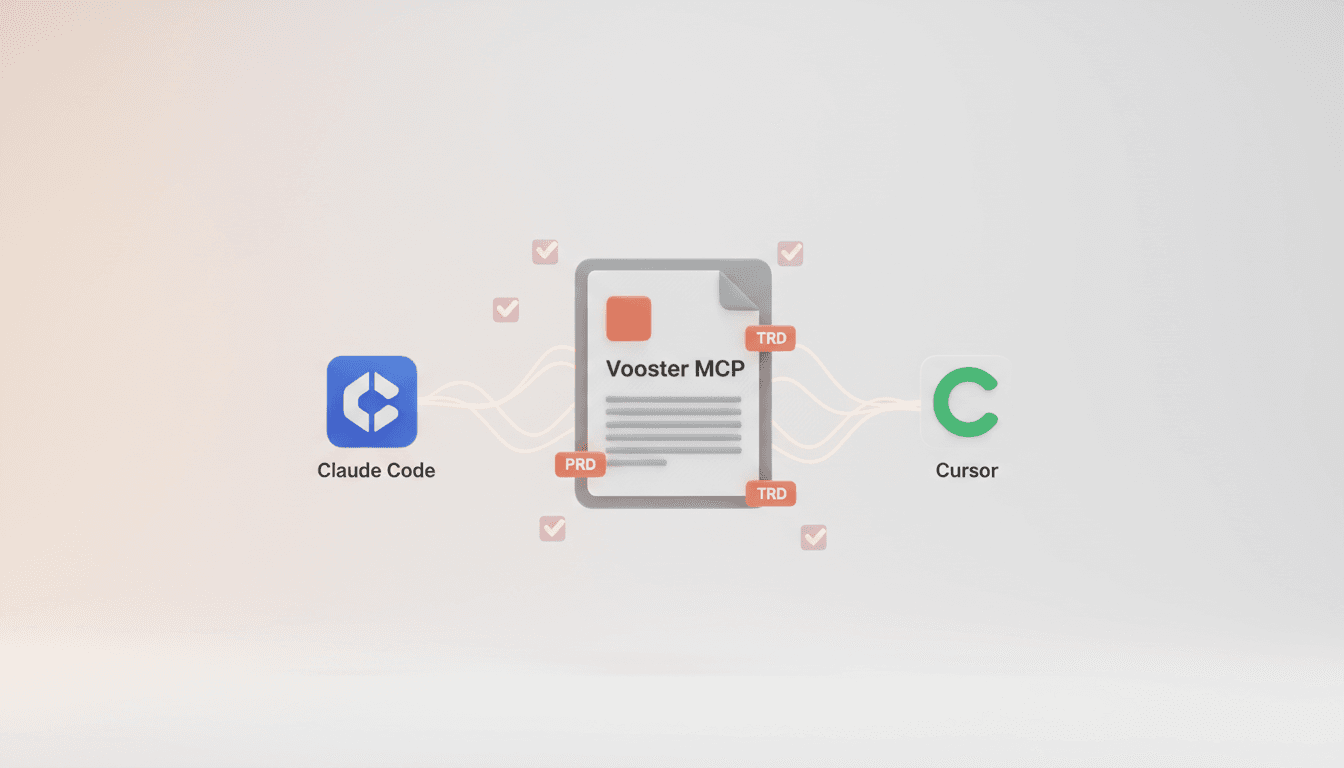
Vooster MCP Setup + Getting Started with Development
How to connect Vooster MCP to Claude Code and Cursor in 5 minutes. Step-by-step guide from @vooster/mcp package setup to API key configuration and implementing your first task.
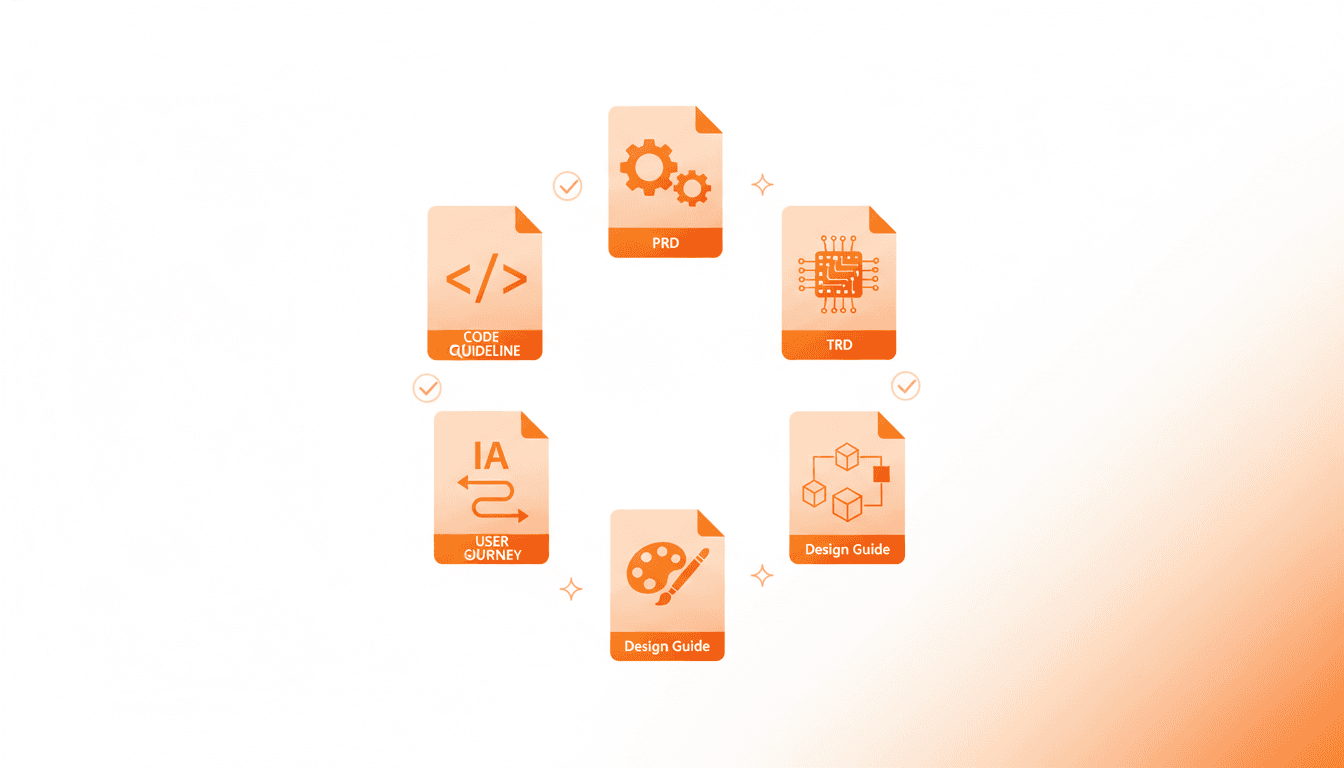
7 Essential Documents Vooster AI Creates - How to Generate Better Specs
From PRD to Design Guide - Learn what each of the 7 documents Vooster AI generates does and how to get better results from AI, explained for non-developers.